Turning a single image into a full 3D model used to take hours of manual editing work and special skills.
Today, AI has stepped into the process and has changed the way things are done. Upload a photo, and in minutes, you have a final 3D model. No heavy software, extensive knowledge, or skills.
While the generation process is basically the same for most of the AI 3D model generators, they might differ in their general features or model quality. So make sure you dedicate enough time to testing these tools to find your perfect match.
We can help with listing the best image-to-3D AI tools, how they work, and other features they have, so that it is easier for you to carry out your selection.
Read along and thank us later.
| Generator | Features | Pricing |
| Meshy AI |
|
|
| Hyper3D (Rodin) |
|
|
| Tripo AI |
|
|
| Spline |
|
|
1. Meshy AI
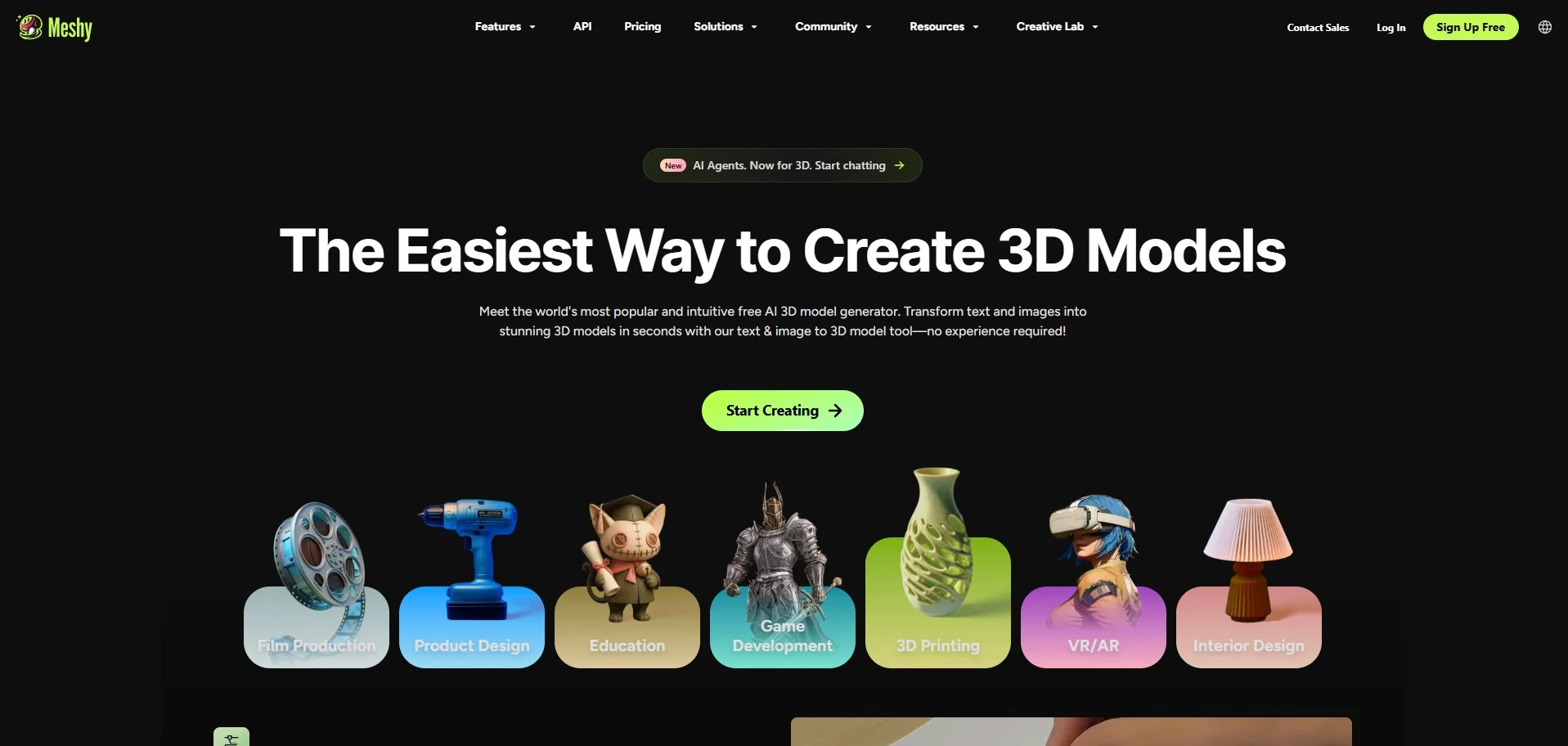
Meshy AI is a leading intuitive AI-powered image-to-3D and text-to-3D model generator, designed to create high-quality 3D models based on text prompts or image references.
How Image-to-3D works
Meshy AI generates the 3D model based on your uploaded image. All is happening in the browser with no separate software needed.
Step 1: Drag and drop a PNG, JPG, or WebP image/images (up to 20MB)
Step 2: Click Generate, and Meshy 6 (Meshy’s AI model) will transform your 2D photo into a high-fidelity 3D model.
Step 3: Upload the ready model in FBX, OBJ, GLB, USDZ, STL, BLEND, or 3MF for further use in gaming, AR&VR, or 3D printing.
Meshy AI detects every necessary detail from your image, such as sharp edges, accurate proportions, and rich surface detail. Every model output comes with production-ready PBR texture maps.
Other Features by Meshy AI
- 3D agent: Use an AI chat throughout the 3D model creation process
- Text to 3D: Generate 3D model assets based on your text prompts and descriptions
- AI texturing: Add realistic PBR textures to your 3D models using AI technology
- AI image generator: Generate stunning images with AI, also optimized for 3D model creation
- Animation: Auto-rig and animate your 3D characters
Pricing plans
You can try Meshy AI for free with 100 monthly credits. However, if you need more advanced features, Meshy AI offers several pricing options for individuals and teams.
- The pricing for individual creators starts at $20/ month (billed monthly, 1000 monthly credits),
- For teams, the pricing starts at $60/ seat/ month (billed monthly, 4000 monthly credits).
2. Hyper3D (Rodin)
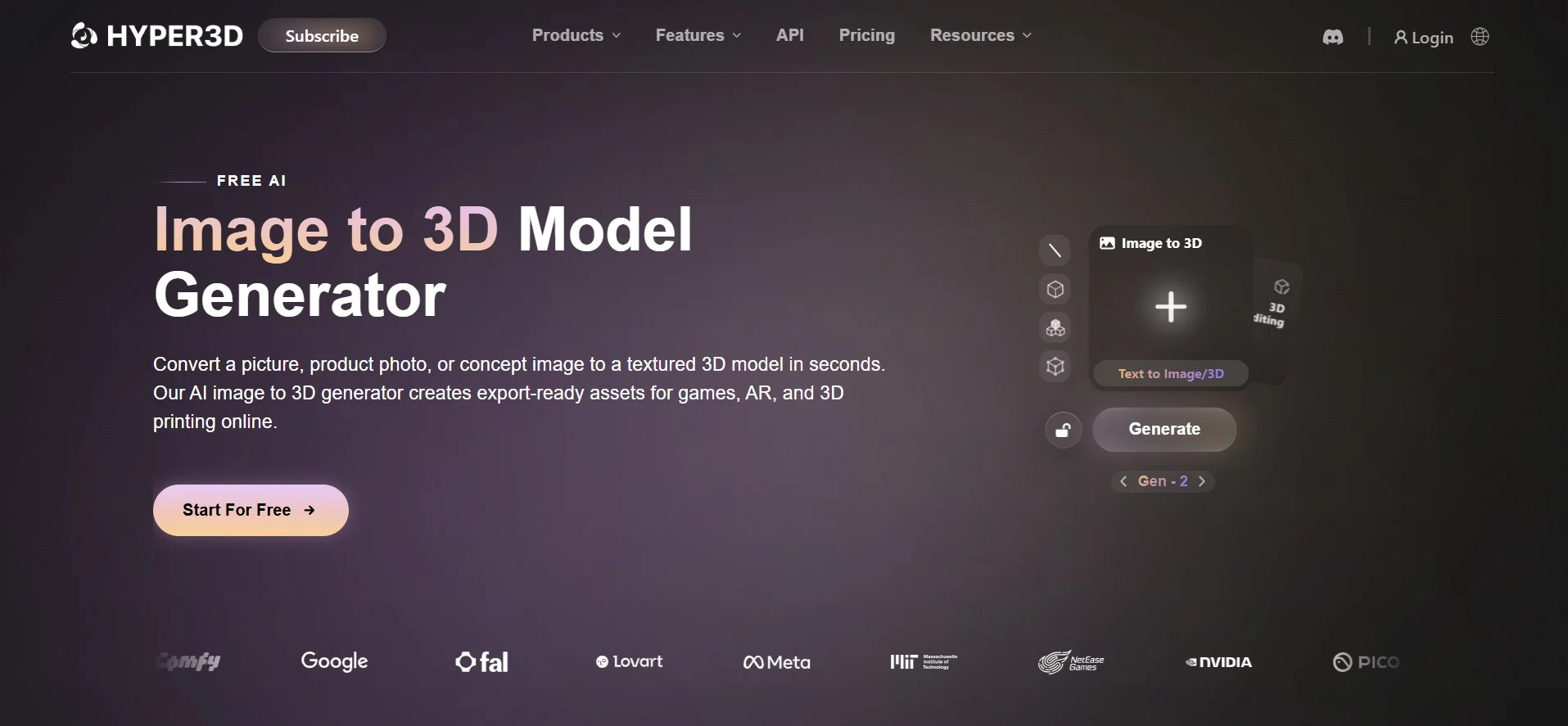
Next is Hyper3D, an AI 3D model generator, which also has an Image-to-3D model generation feature. It transforms a product photo, a reference image, or a concept picture into a 3D model ready for use in gaming, AR, or 3D printing.
How Image-to-3D works
Step 1: Upload one or more images, a 2D cartoon or concept image.
Step 2: Hyper3D then analyzes structure, depth, and every detail to generate a precise 3D model with clean geometry and texturing
Step 3: Download the final output in multiple formats such as GLB, OBJ, FBX, STL, and more.
Other Features by Hyper3D
- Text to 3D
- AI video generator
- AI image generator
Pricing plans
You can try the platform for free or subscribe to pricing plans for more advanced features.
- The pricing starts at $30/ month (Creator plan, billed monthly)
3. Tripo AI
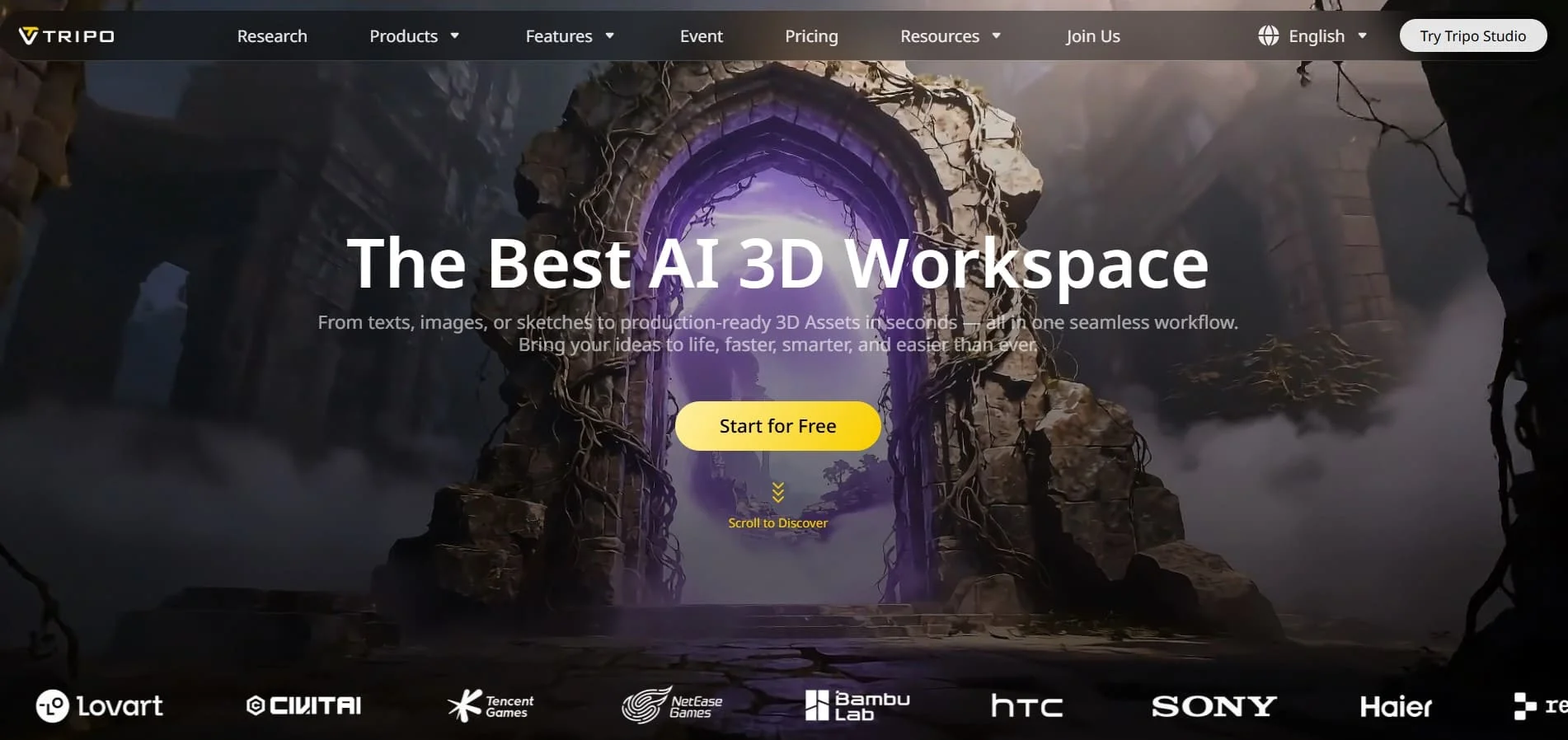
Tripo AI is another AI Image-to-3D model generator, which makes it possible to convert 2D Images to 3D models with clean geometry and topology.
How Image-to-3D works
Step 1: Drop your image in a special box on the platform.
Step 2: Click Generate and get your 3D model generated with rich and natural textures.
Step 3: Download the final asset in popular 3D model formats such as OBJ, FBX, and STL.
Other Features by Tripo AI
- Text to 3D model
- AI texturing
- Auto rigging
- AI model segmentation
- Model stylization and more
Pricing plans
With 200 monthly credits, you can start with Tripo AI for free. If you need more features, you can consider the paid plans.
- The pricing starts at $19,9/ month (Pro plan, billed monthly, 3000 credits/month)
4. Spline
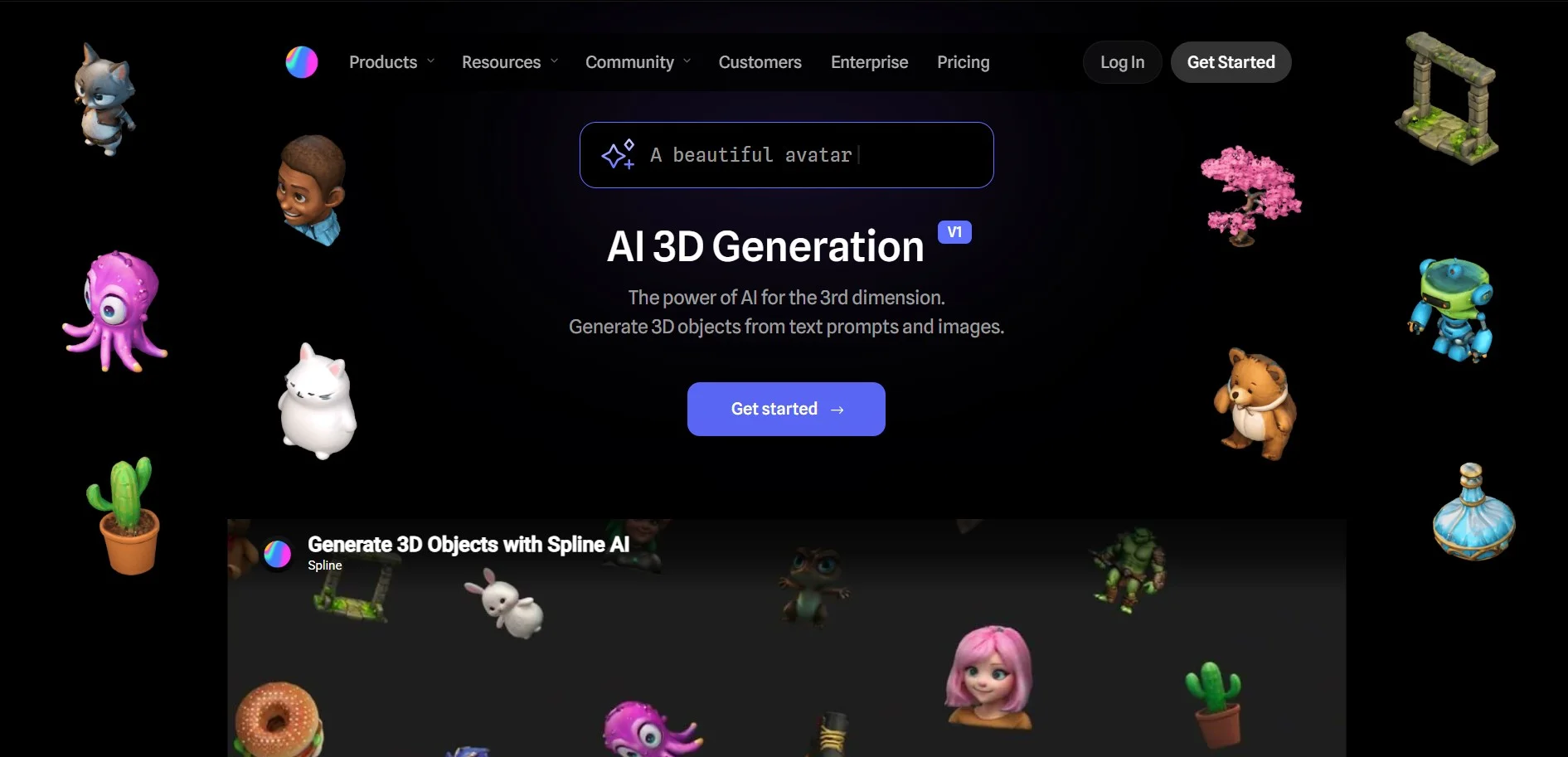
Spline is a 3D design tool that also offers AI 3D model generation features, including Image-to-3D generation.
How Image-to-3D works
Step 1: Upload your image to the platform. For better results, your image should be a 2D front-facing image of an object.
Step 2: Spline then analyzes the image, using algorithms to estimate depth and structure
Step 3: Download the final version in common file formats such as USDZ, GLB, or STL.
Other Features by Spline
- Text-to-3D
- Image-to-3D
- Remix and generate variants
- Personal 3D library
- Multi-platform export
Pricing plans
- Starter: $15/ per seat/ month
- Professional: $25/ per seat/ month ($5/per seat/ month add-on for Spline AI)
- Enterprise: Custom pricing
Final Thoughts
At the end of the day, the best way to find your ideal image-to-3D tool is to try a few and see which one fits your workflow.
Meshy AI is a great place to start.
Its all-in-one platform covers the full pipeline, from image to textured 3D model. It supports a wide range of file formats, making it easy to integrate into your existing workflow or software. Its standout feature is the built-in 3D AI Agent. You can refine details, adjust styles, and guide the model to your needs without starting over from scratch.
Whichever tool you choose, most offer free tiers or trial credits. So, there’s not much to lose by trying a few before picking one.
FAQs
1. Can I generate a 3D model from a picture?
Yes. Most AI 3D generators offer an image-to-3D feature allowing you to upload your reference image and generate a 3D model based on it.
2. Which software is best for 3D modeling?
Meshy AI, Rodin AI, Tripo AI, and Spline AI are widely considered top AI 3D model generators, thanks to their extensive features. Still, the best pick depends on your specific needs.
3. Will 3D modeling be replaced by AI?
AI is simplifying 3D modeling significantly, but human input still matters, especially for quality control and refinement, since not every generated model comes out perfect.
All the photos in the article are provided by the company(s) mentioned in the article and are used with permission.
Disclaimer: This article contains sponsored marketing content. It is intended for promotional purposes and should not be considered as an endorsement or recommendation by our website. Readers are encouraged to conduct their own research and exercise their own judgment before making any decisions based on the information provided in this article.