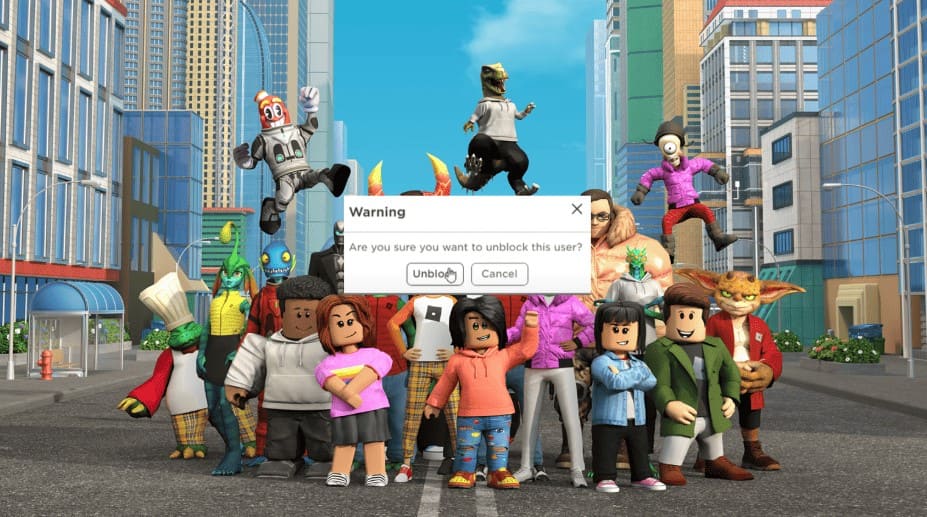
Navigating the complex social landscape of online gaming requires understanding platform-specific interaction management tools. Roblox, a dynamic gaming platform where millions of players invest to buy Robux to enhance their gaming experiences, provides robust mechanisms for controlling social interactions. The ability to block and unblock users is a critical feature that empowers players to curate their online environment, ensuring a safe, enjoyable, and personalized gaming experience.
Understanding Roblox’s Social Interaction Controls
Blocking represents a fundamental privacy control within Roblox that allows users to manage potentially uncomfortable or unwelcome interactions. When a player blocks another user, the blocked individual loses the ability to communicate directly, view the blocking player’s profile, or follow them across different game environments. This feature demonstrates Roblox’s commitment to user safety, enabling players to maintain control over their digital social spaces. Roblox allows users to block up to 100 players simultaneously, providing substantial flexibility in managing online interactions.
Players might choose to block someone for various reasons, including inappropriate behavior, harassment, unwanted communication, or simply to reduce social friction within their gaming experience. However, relationships and circumstances evolve, which is why the unblocking feature becomes equally important. Perhaps you accidentally blocked a friend, resolved a previous misunderstanding, or want to reconnect with a player you previously felt uncomfortable around. Understanding the nuanced motivations behind blocking and unblocking helps players make informed decisions about their online social dynamics.
How to Unblock Someone on Roblox?
Different devices and platforms require slightly varied approaches to unblocking users on Roblox, but the fundamental process remains consistent. The core steps involve navigating through account settings, locating the privacy or blocked users section, and selectively removing users from your blocked list. Each platform offers unique navigation paths, but the underlying principle remains the same: providing users with complete control over their social interactions.
Web Browser Process for Unblocking Users on Roblox
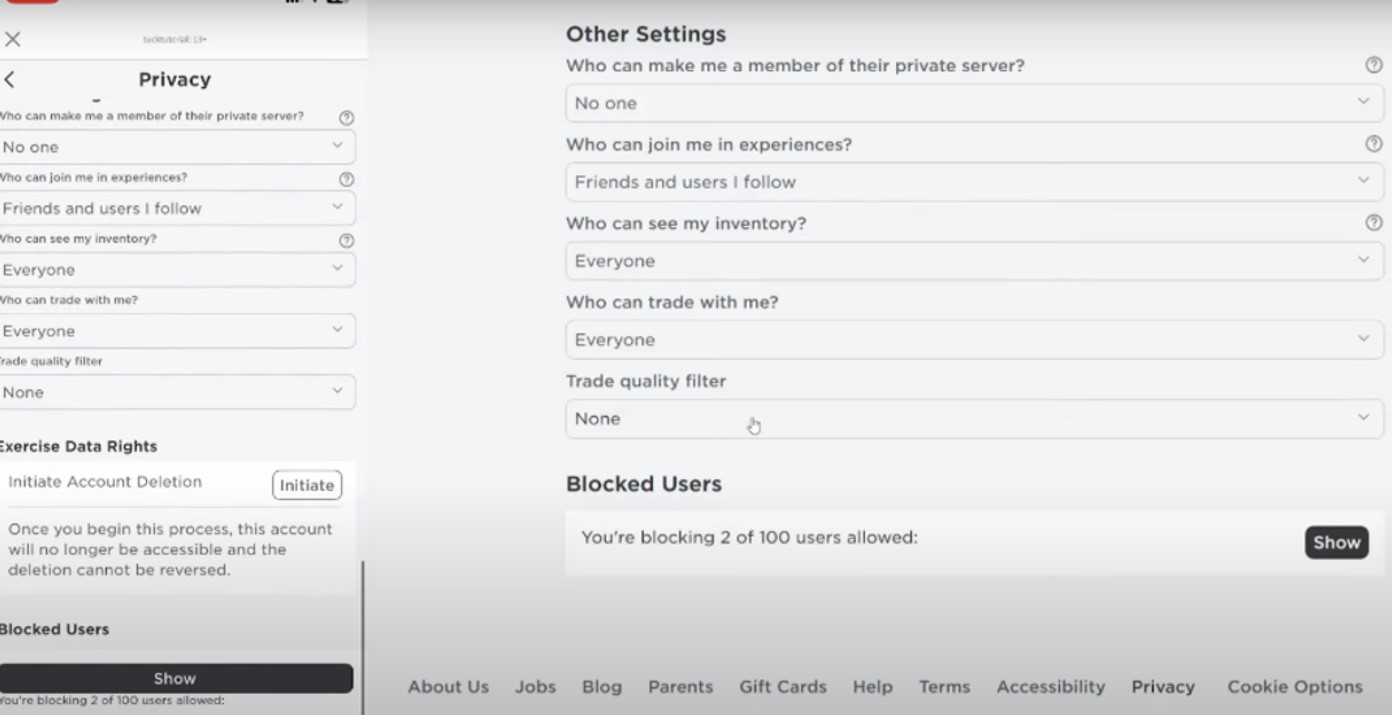
For users accessing Roblox through web browsers on computers, the unblocking process is straightforward. Log into your Roblox account, click the gear icon to access account settings, and select the Privacy tab.
Within this section, you’ll find a comprehensive list of blocked users. Each blocked user will have an accompanying unblock option, allowing you to restore communication with a simple click. This user-friendly interface ensures that managing your social connections remains intuitive and accessible.
Mobile Device Roblox Unblocking Techniques
Mobile users can unblock players through the Roblox application with equal ease. By tapping the three-dot menu, accessing settings, and navigating to the Privacy section, players can view and manage their blocked users list.
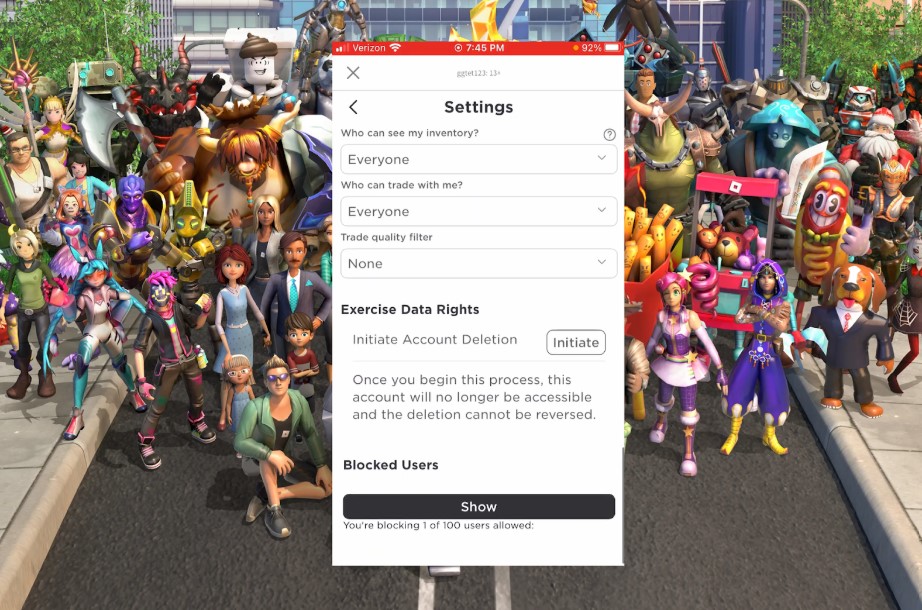
The mobile interface mirrors the web browser’s functionality, ensuring a consistent user experience across different devices. This seamless integration allows players to maintain their social preferences regardless of their preferred access method.
Console-Specific Unblocking Roblox Users Methods
Console users, including those on Xbox and PlayStation, can unblock users by accessing the Roblox application’s dedicated settings menu. By navigating through privacy options and blocked user lists, console players can modify their social interactions with the same level of control afforded to web and mobile users. The cross-platform consistency ensures that regardless of your gaming setup, you can effectively manage your social environment.
Roblox Unblocking Troubleshooting
Occasionally, players might encounter challenges when attempting to unblock users. Common obstacles include active Account PINs, parental control settings, or temporary platform restrictions. In such scenarios, users may need to temporarily disable additional security features. Roblox’s multi-layered security approach ensures that while users have significant control over their interactions, additional safeguards protect younger or more vulnerable players.
Safety and Ethical Considerations of Unblocking on Roblox
While unblocking a user can restore communication channels, players must always prioritize their online safety. Roblox provides additional security features like two-factor authentication and comprehensive reporting mechanisms to protect users from potential harassment or inappropriate interactions.
Before unblocking someone, carefully consider the potential implications and your personal comfort level. Trust your instincts and utilize the platform’s built-in protective features if you feel uncertain.
Conclusion
Managing social interactions in online gaming platforms like Roblox requires a nuanced understanding of available tools and features. By mastering the blocking and unblocking mechanisms across different devices, players can create a more personalized, safe, and enjoyable gaming environment.
Remember that your online experience is ultimately in your control, and platforms like Roblox continue to evolve their social interaction tools to support user safety and enjoyment.
Disclaimer: This article contains sponsored marketing content. It is intended for promotional purposes and should not be considered as an endorsement or recommendation by our website. Readers are encouraged to conduct their own research and exercise their own judgment before making any decisions based on the information provided in this article.