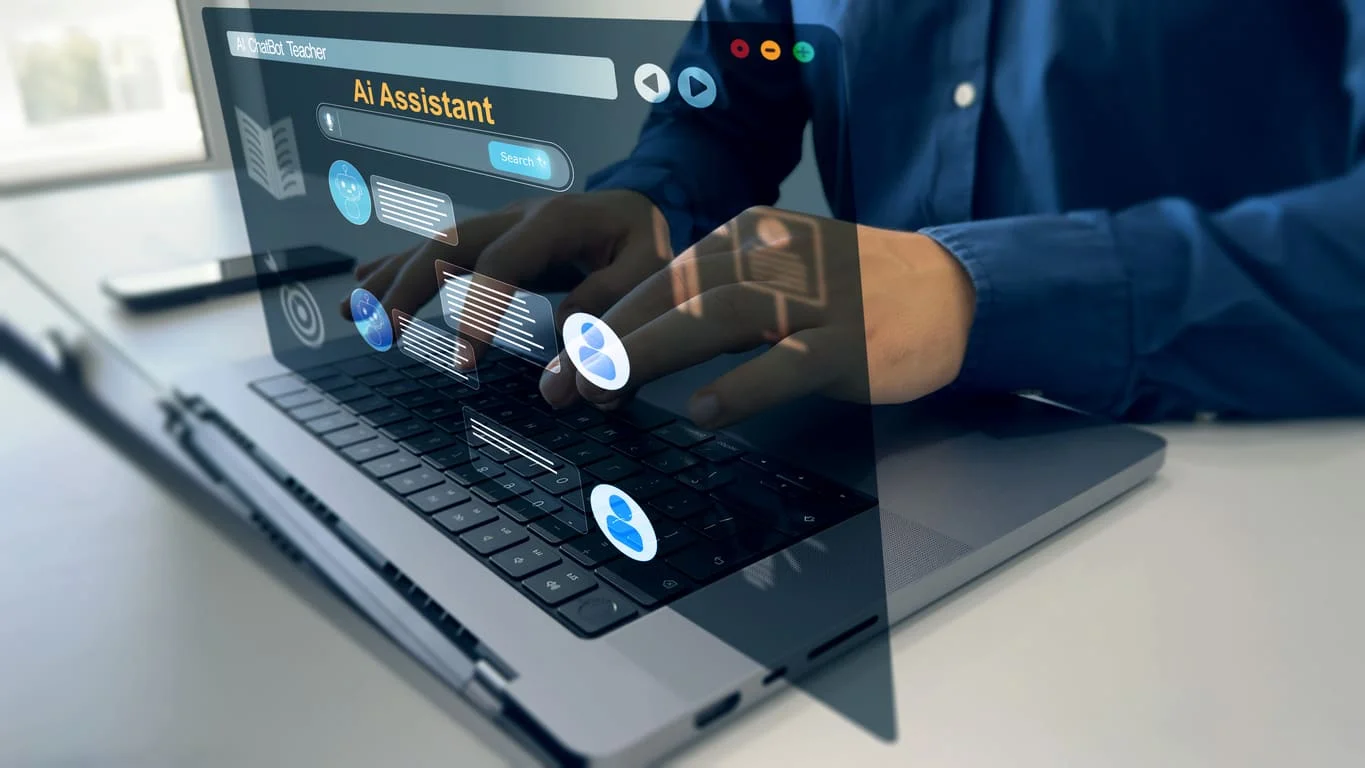
AI assistants have moved from novelty to daily habit for many professionals. What started as a way to draft emails has grown into help with research, meeting preparation, analysis, and translation. The professionals who benefit most are not the ones using the most tools. They are the ones who build a few reliable habits around a single assistant. Here is how professionals are using AI to save hours every week.
Where the time savings come from
Most knowledge work contains repetitive tasks that follow a pattern. AI assistants handle these well:
- Summarising long documents such as reports, contracts, and research papers.
- Drafting routine communication like follow-up emails, meeting notes, and status updates.
- Preparing for meetings by pulling together background on a company, topic, or person.
- Translating messages and documents for international colleagues and clients.
- Analysing data from spreadsheets and turning it into plain-language findings.
Each task might save only ten or fifteen minutes. Across a week, that adds up to several hours.
Build habits, not experiments
The biggest mistake professionals make is treating AI as an occasional experiment. Real time savings come from routine use. A practical approach is to pick three recurring tasks, use AI for them every time for two weeks, and measure the time saved. Once those habits stick, add more.
Why one assistant beats many tools
Many people start with a separate AI tool for writing, another for images, another for summaries, and another for translation. This creates friction: different logins, different interfaces, and context lost between apps. An all-in-one assistant that combines chat, voice, document analysis, web search, and creative tools in one interface keeps work in one place. For professionals comparing options, choosing the best AI app for everyday use often means choosing the one that covers the most daily tasks with the least switching. Ultra AI, for example, combines these tools and works in the browser as well as on iOS and Android.
Use voice for thinking on the move
Voice input is one of the most underused features. Professionals can dictate ideas while walking, capture meeting reflections in the car, or talk through a problem and ask the assistant to organise their thoughts. This turns dead time into productive time.
Keep humans in charge of judgment
AI assistants are fast, but they can make mistakes. Good practice includes:
- Verify facts before sharing them, especially numbers and quotes.
- Review drafts so they reflect your voice and your company’s standards.
- Protect sensitive data by following your organisation’s rules on what can be shared with AI tools.
- Stay accountable for final decisions and communications.
Measuring the return
To judge whether an assistant is worth it, track a simple metric: hours saved per week on specific tasks. Compare that with the subscription cost. For most professionals, even one or two hours saved each week makes a paid plan worthwhile. The bigger benefit is often less visible: more time for strategic work that AI cannot do.
The takeaway
Professionals save the most time with AI when they build steady habits around a single, capable assistant. Use it for summaries, drafts, meeting preparation, translation, and analysis. Add voice for thinking on the move. Keep human judgment at the centre, protect sensitive data, and measure the time saved. Used this way, an AI assistant becomes one of the most valuable tools in the working week.