


LinkedIn has 1 billion members and generates more than 80% of B2B social media leads, yet most sales teams still approach outreach the same way they did in 2019 — one message at a time, from the native inbox, with no coherent follow-up sequence. The result is a lot of connection requests that go nowhere and a lot of reps burning hours they don’t have.
The tools in this list exist to fix that. They automate connection requests, message sequences, and follow-ups while keeping your account safe. But they are not interchangeable. Each one is genuinely built for a different kind of team, a different workflow, and a different growth objective. Picking the wrong one means paying for features you’ll never use while missing the one thing you actually need.
TL;DR
- There is no universally “best” LinkedIn outreach tool — only tools built for different situations: high-volume prospecting, multichannel campaigns, content-led growth, or CRM-centric networking.
- The single biggest predictor of outreach success is personalization depth, not send volume. Tools that let you vary messages by intent signal outperform bulk senders every time.
- Account safety is non-negotiable: choose cloud-based tools with built-in sending limits, not browser extensions that tie activity to your machine.
- Dripify users report a 35% average reply rate and 13,000% average ROI across 40,000+ companies in 72+ countries.
- Vet tools on sequence logic, personalization variables, team management, and CRM integration — not star ratings.
How We Evaluated These Tools
Every entry in this list was assessed against five criteria, applied consistently:
- Sequence logic — How sophisticated are the if/then branching rules? Can the tool respond differently based on whether a connection request was accepted?
- Personalization depth — How many dynamic variables are available? Does the tool support AI-generated icebreakers or custom data fields?
- Account safety — Is it cloud-based? Does it enforce LinkedIn-safe sending limits automatically?
- Team and multi-seat support — Can managers track individual rep performance? Are seats shareable across campaigns?
- CRM and integration coverage — Does it connect natively to HubSpot, Salesforce, or common GTM stacks without requiring heavy custom work?
What these criteria do not measure: price, UI aesthetics, or review star ratings. A tool with a 4.9 average can still be wrong for your team if the workflow doesn’t match your motion.
The 6 Best LinkedIn Outreach Tools at a Glance
Tool | Best For | Deployment | Standout Feature |
| Dripify | Sales teams needing scalable multichannel outreach | Cloud | 20+ AI personalization variables, step analytics |
| Meet Alfred | Established teams wanting LinkedIn + Email + X | Cloud | 10 years in market, white-label, team management |
| lemlist | Full outbound stacks with intent signal automation | Cloud | lemAgent AI, 650M+ lead database, SOC 2 |
| Taplio | Founders and creators growing through LinkedIn content | Cloud | Content scheduling, carousel builder, engagement automation |
| LeadDelta | Revenue teams managing large LinkedIn networks | Browser + Cloud | Shared team CRM, Warm Intro AI, pooled network |
| Botdog | LinkedIn-only teams prioritizing simplicity and Safety Nav | Cloud | Sales Navigator native, 5-min setup, AI lead review |
1. Dripify — Best for Scalable LinkedIn Outreach With Multichannel Sequences
LinkedIn automation tool | Sales teams · Founders · HR & Recruiting · Agencies
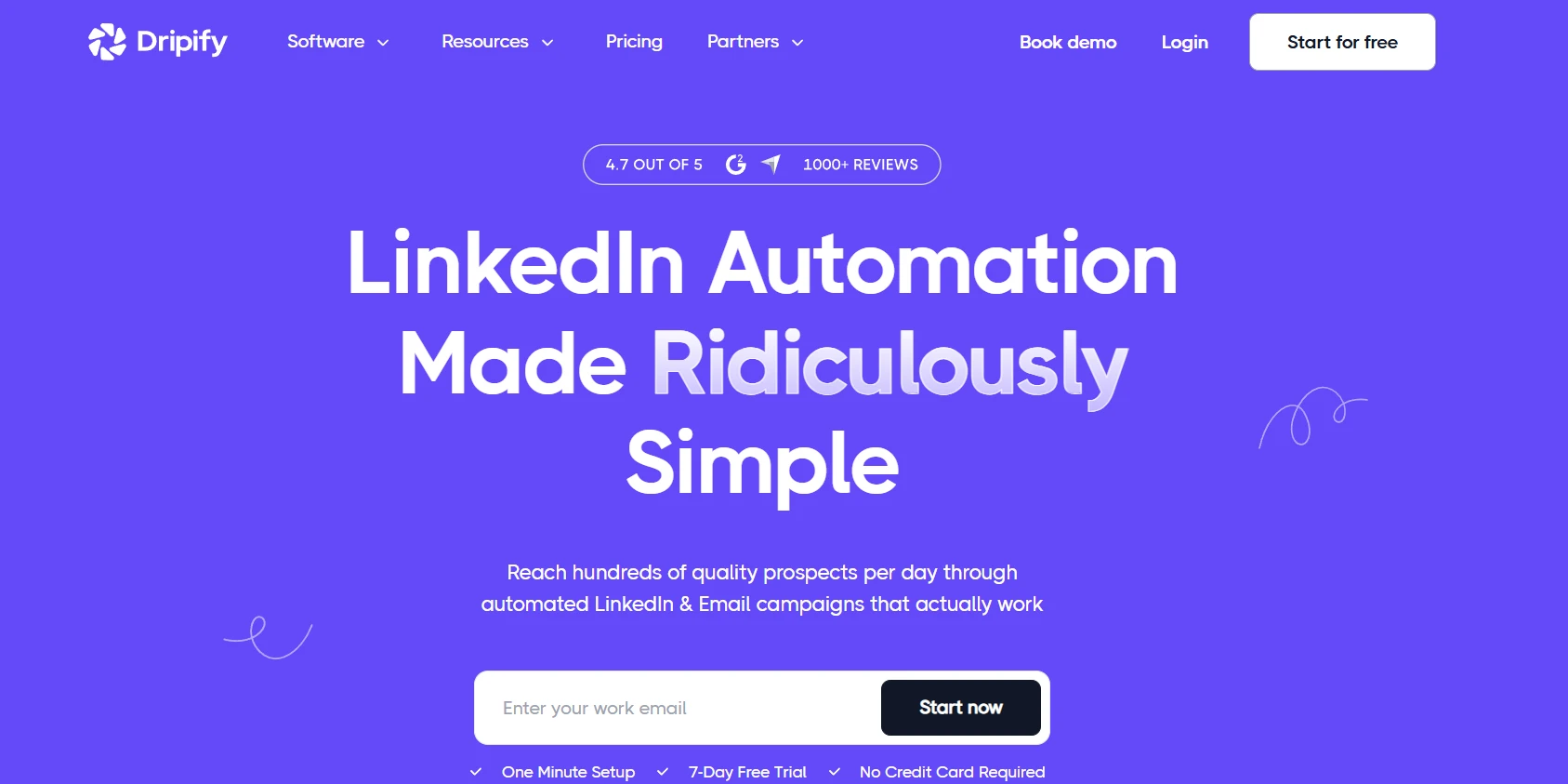
Dripify, the LinkedIn automation tool trusted by 40,000+ companies in 72+ countries, is the benchmark against which most competitors are now measured. The platform is built around a drag-and-drop sequence builder that combines 10+ LinkedIn and email actions, delays, and conditional branching into campaigns that run in the background while your team focuses on closing.
What separates Dripify from older tools is its personalization engine. The platform supports 20+ smart variables — first name, job title, company, mutual connections, and custom fields — plus an AI-powered icebreaker that generates a unique opening line per prospect based on their public profile. This alone routinely lifts reply rates by 2x compared to generic templates.
Where Dripify is genuinely strong:
- Step analytics — Rather than reporting campaign-level conversion, Dripify shows delivery, acceptance, and reply rates at every individual step. You can see exactly which follow-up message is killing your sequence, flag it, and fix it. Most tools show you the end result; Dripify shows you why.
- A/B message testing — Up to 3 message variants can run simultaneously on a single step. Real send-and-reply data picks the winner, not gut feel.
- Team management at scale — Managers can monitor every rep’s outreach performance, share winning templates, assign roles, and enforce lead de-duplication so two reps never hit the same prospect.
- Email finder and verifier — Dripify includes a built-in email finder that searches for verified business addresses and an email verifier that claims up to 99% deliverability improvement, eliminating the need for a separate enrichment tool.
- Nine lead sources — LinkedIn search, Sales Navigator, post engagements, LinkedIn events, and more. High-intent signal triggering is on the roadmap.
Proof of execution: CVS Health used Dripify to 5× executive-level meetings. HighRadius generated 20× more meetings per event. EverHelp booked 40% more monthly meetings within 30 days of going live on the platform.
“One tool. Seamless Outbound Prospecting. Dripify is that one tool which can make your Outbound Prospecting seamless. Excellent features, great UI/UX, and greater Onboarding + Support.” — Clive Daniel, Growth & GTM Lead (Trustpilot)
Pricing: Free 7-day trial, no credit card required. Paid plans available per seat. Potential limitation: At higher team volumes, campaign configuration requires careful planning to avoid redundant touches across reps — the team de-duplication features are robust but need intentional setup.
2. Meet Alfred — Best for Teams Who Need LinkedIn, Email, and X in One Workflow
Multi-channel · Enterprise-ready · Agency-friendly
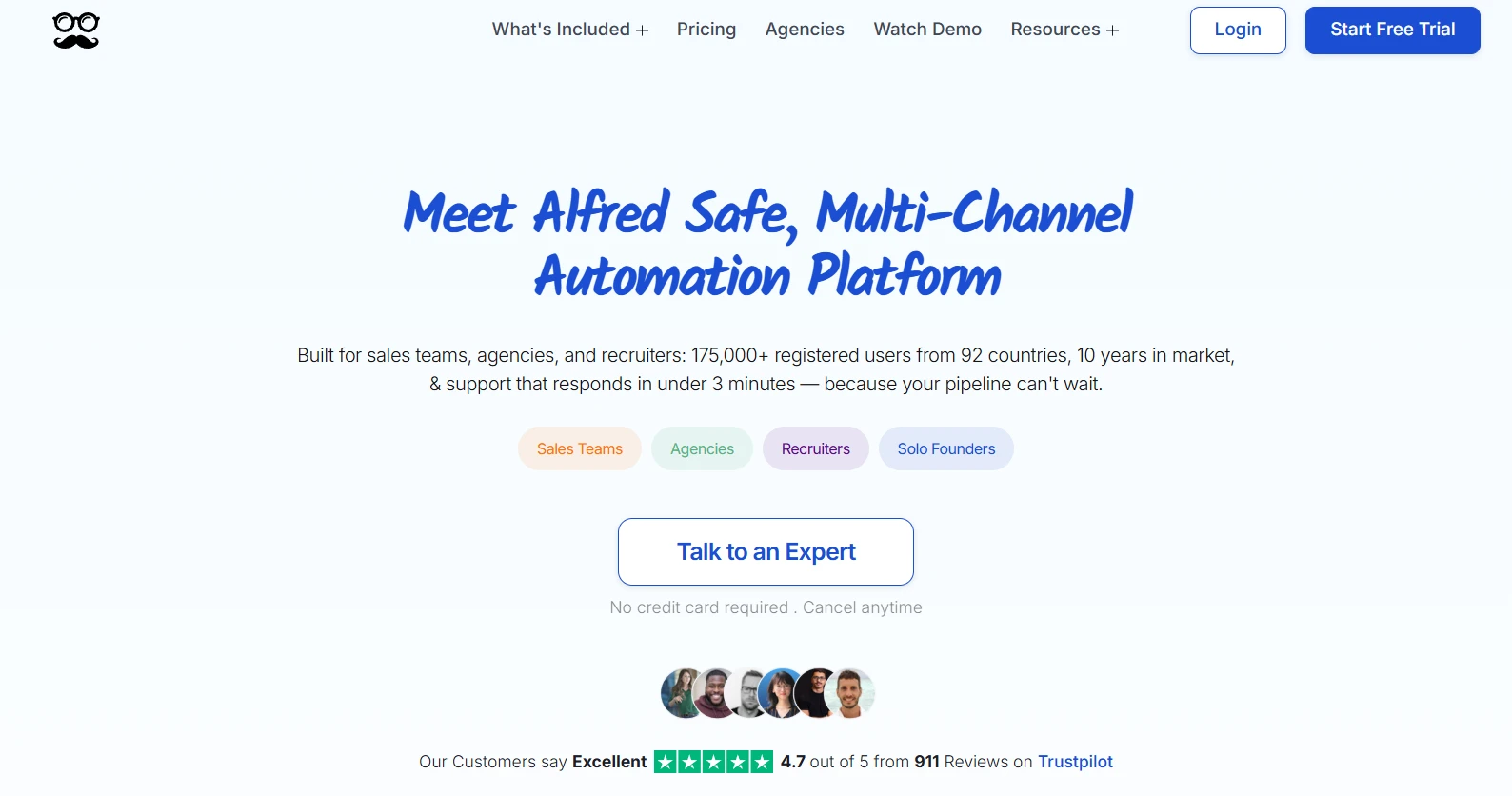
Meet Alfred has been in market since 2016 — longer than almost any competitor — and that decade of operational experience shows. The platform serves 175,000+ registered users across 92 countries and has processed billions of outreach touchpoints through LinkedIn algorithm changes that broke competitors.
The core differentiator is multichannel reliability. Where other tools bolt email onto LinkedIn as an afterthought, Meet Alfred was built from the start for LinkedIn + Email + X sequences that run as a coordinated campaign, not three separate tools. The cloud-based infrastructure with randomized human-like behavior patterns means account safety is baked in, not added as a setting.
For agencies specifically, white-label functionality lets you brand the platform as your own and manage multiple client accounts from a single dashboard. The dedicated account manager tier (available for 10+ seat teams) is a genuine differentiator for larger operations that need onboarding support. Customer support averages under 3 minutes response time.
Potential limitation: The breadth of features means the initial learning curve is steeper than simpler tools. Teams expecting five-minute setup may need a full onboarding session.
3. Lemlist — Best for Full-Stack Outbound With AI Intent Signal Automation
AI-powered · Multichannel · SOC 2 certified
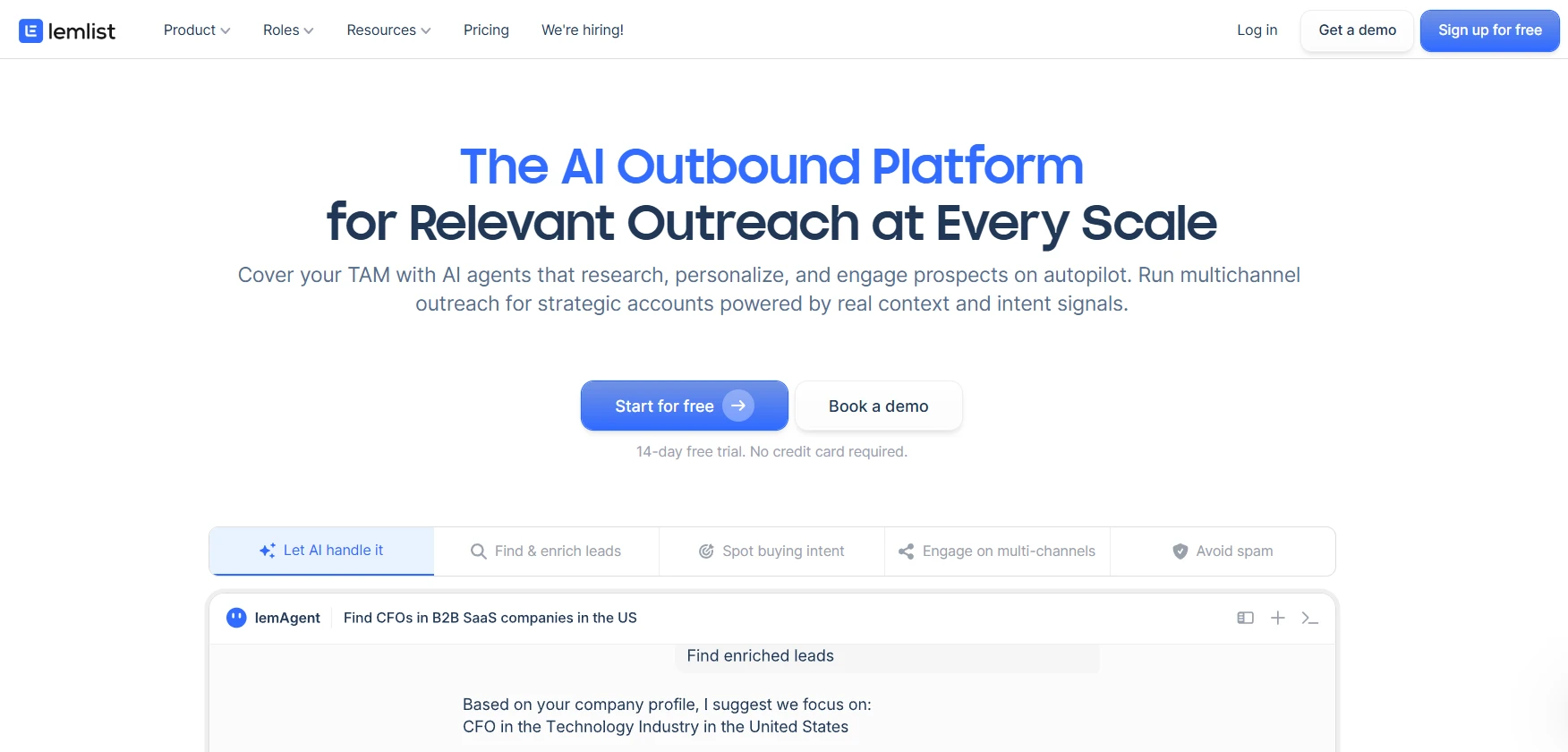
Lemlist has repositioned from a cold email tool into a full AI outbound platform, and the 2025–2026 product evolution is significant. The headline addition is lemAgent, an AI system that researches prospects, interprets intent signals, and triggers personalized outreach without manual intervention.
The 650M+ lead database, combined with built-in email verification and deliverability monitoring, means lemlist can theoretically replace three separate tools in your stack: a lead database, an email tool, and a LinkedIn automation layer. The SOC 2 certification matters for enterprise buyers operating under compliance requirements. 20,000+ sales teams run their outbound in lemlist according to the platform, with G2 rating at 4.7/5 from 1,396 reviews.
The platform covers email, LinkedIn, calls, WhatsApp, and SMS from one unified campaign workflow — which makes it the broadest channel coverage in this list.
Potential limitation: That breadth comes with complexity. Teams who only want LinkedIn outreach will find lemlist over-engineered for their needs and may spend weeks configuring channels they never use.
4. Taplio — Best for Founders and Creators Growing Through LinkedIn Content
Personal branding · Content scheduling · Engagement automation
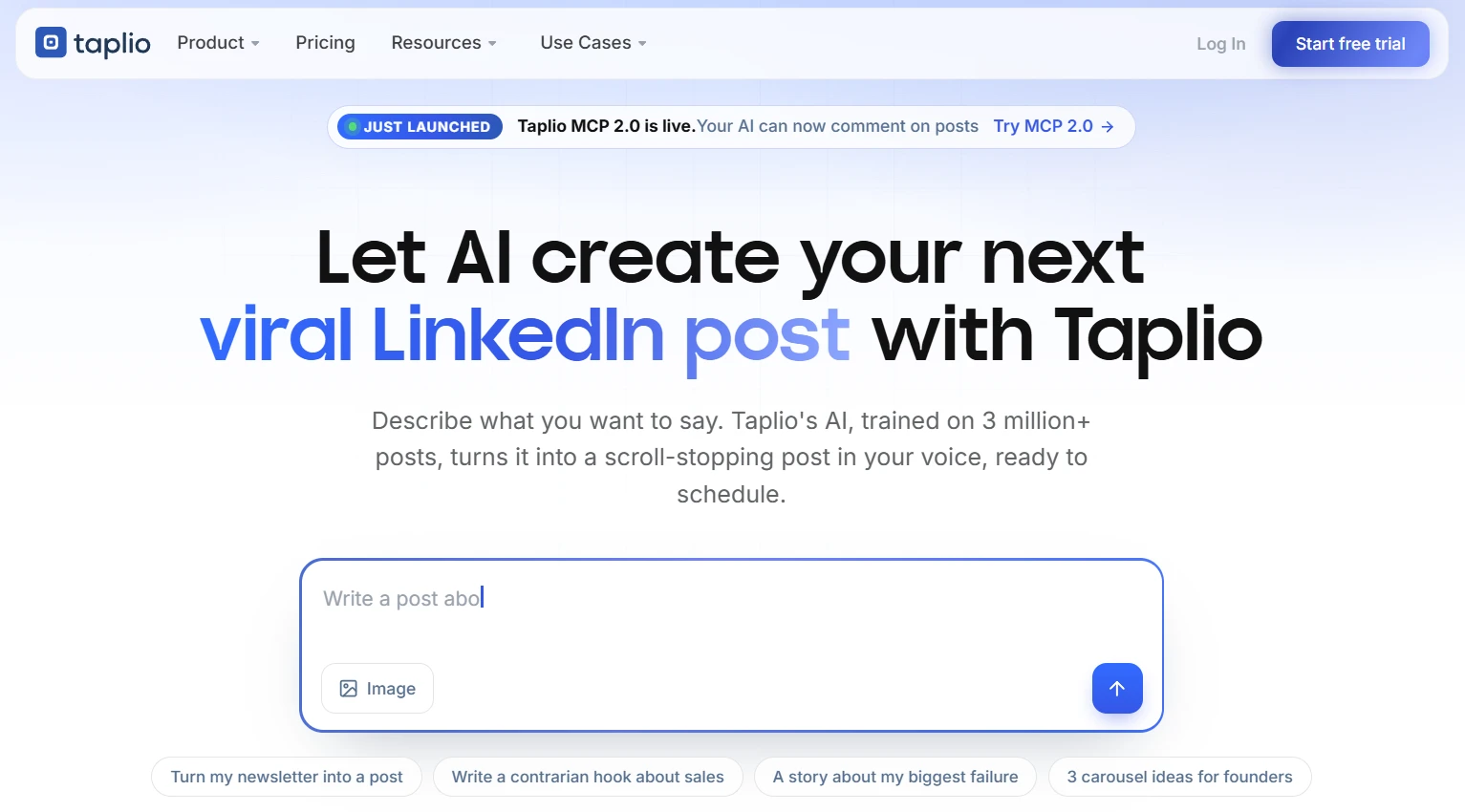
Taplio is the only tool in this list that approaches LinkedIn growth through content rather than outreach sequences. The platform helps you find post ideas, write in your voice using AI, schedule at optimal times, and then automate connection requests and DMs to the people who engage with your posts — turning content performance into pipeline.
The Taplio LinkedIn Benchmark analyzes 60,000+ LinkedIn posts per month, giving you data on what post formats, lengths, and topics are performing in your category right now. The carousel generator, engagement builder, and MCP integration (run Taplio directly from Claude or ChatGPT) make it a sophisticated tool for anyone whose sales motion depends on personal brand visibility.
Potential limitation: Taplio is not an outreach sequence tool in the traditional sense. If you need to run cold connection campaigns at volume without a content flywheel, it’s the wrong fit. It rewards consistency over time, not immediate pipeline generation.
5. LeadDelta — Best for Teams Managing Large LinkedIn Networks as a Shared CRM
LinkedIn CRM · Team network pooling · Warm intro AI
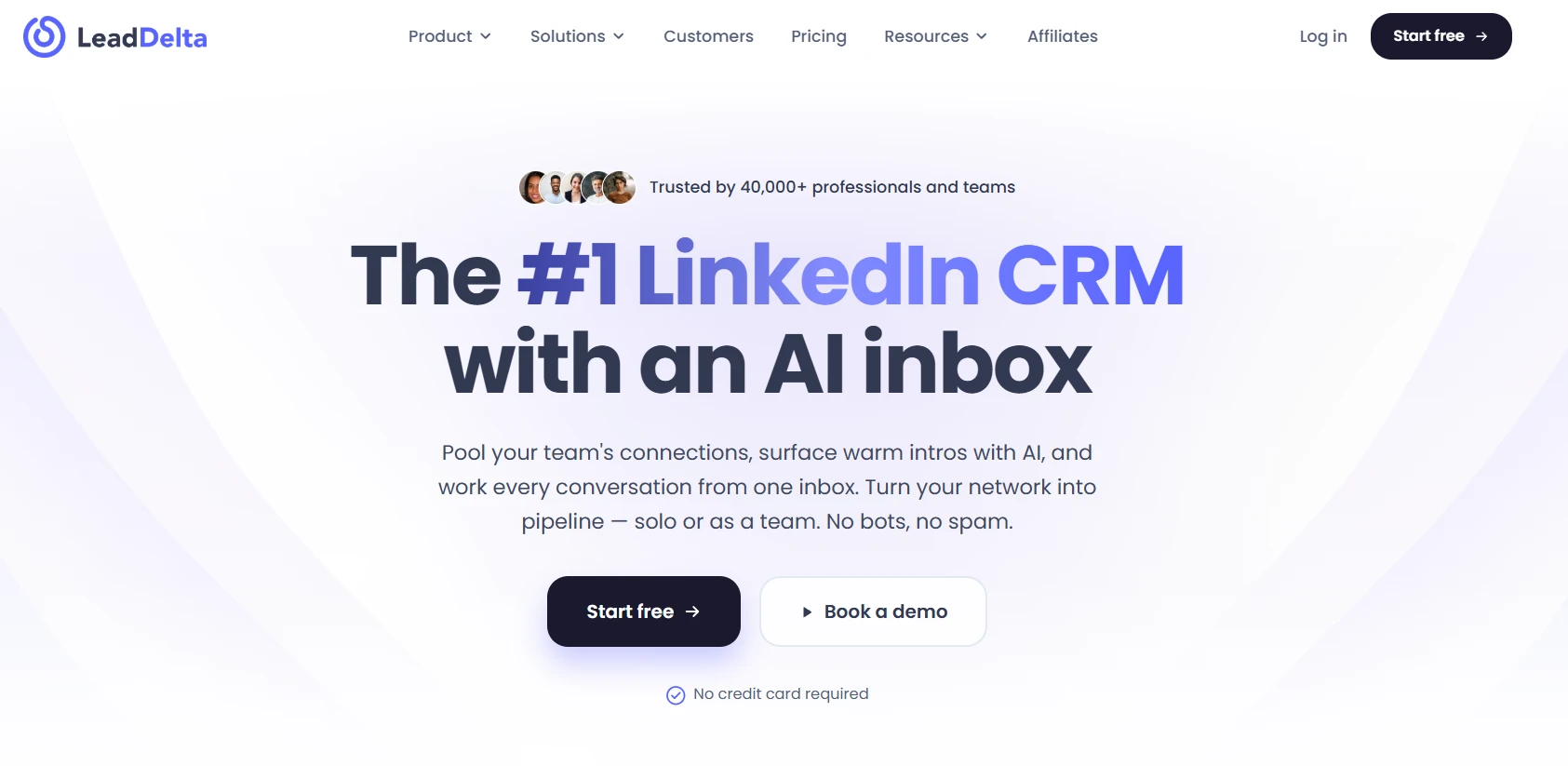
LeadDelta takes a different angle from every other tool in this list. Rather than automating outreach volume, it focuses on organizing the network you already have and making it usable as a team asset.
The core mechanic is pooled connections: your whole team’s first-degree LinkedIn contacts are merged into one shared CRM, searchable by tag, title, company, or any custom field. The Warm Intro AI then surfaces who on your team already knows the person you want to reach, so you can request an intro instead of sending a cold message — which explains the 2.5× higher reply rate Salesbricks achieved compared to cold outreach.
Used by 40,000+ professionals including teams at Okta, Microsoft, Amazon, and Salesforce, LeadDelta holds a 4.8/5 on the Chrome Web Store across 114 ratings.
Potential limitation: LeadDelta works best when the team actually pools connections and commits to the CRM discipline. In organizations where individual reps guard their networks, the collaborative advantage disappears entirely.
6. Botdog — Best for LinkedIn-Only Teams Who Want Simplicity Without Compromise
Sales Navigator native · Setup in 5 minutes · Focused on LinkedIn exclusively
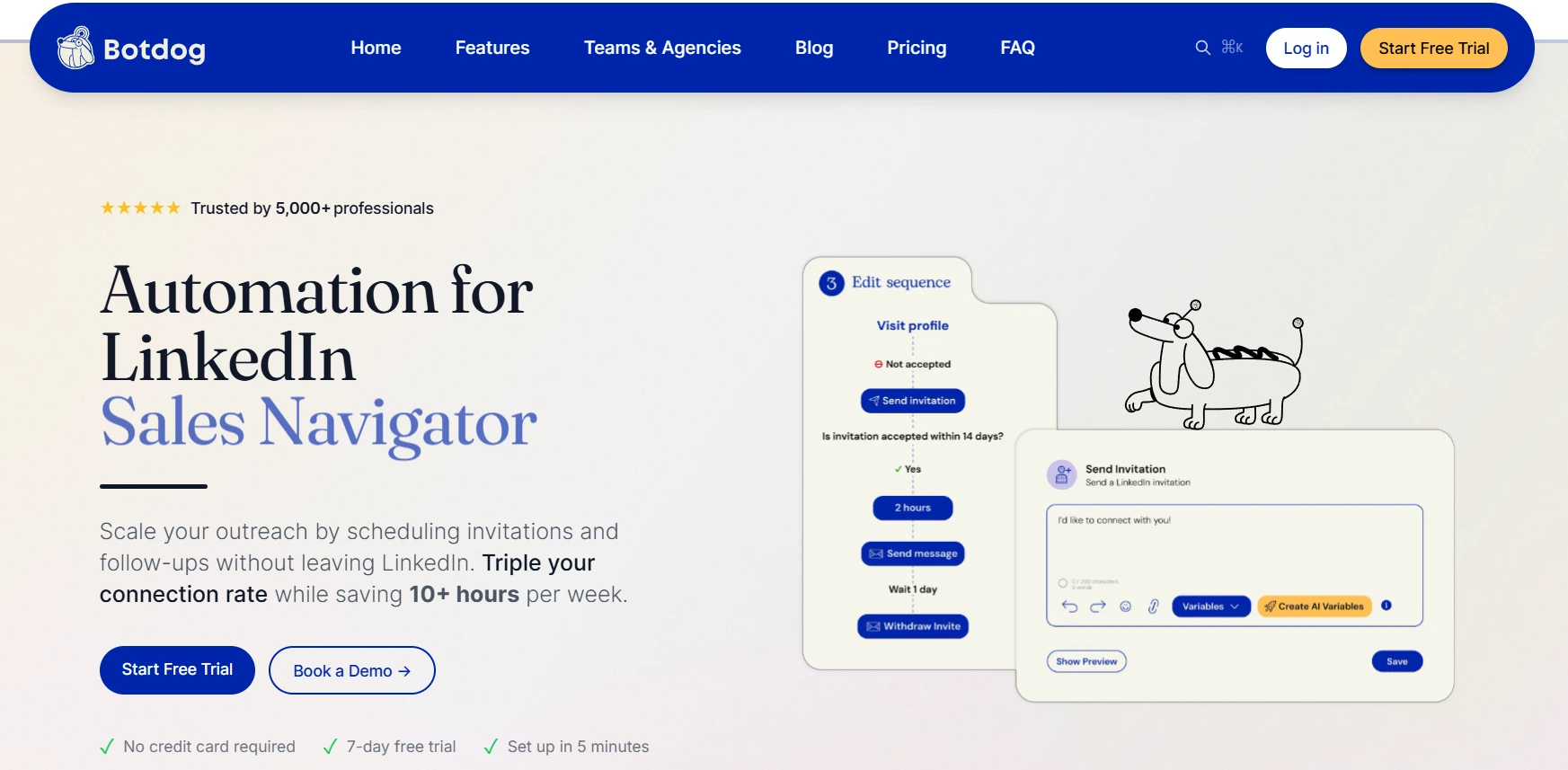
Botdog is the only tool in this list that has deliberately chosen not to expand into email, X, or other channels. That focus on LinkedIn — and specifically LinkedIn Sales Navigator — means every feature is purpose-built for the platform’s specific limits and behavior rather than adapted from a generic multichannel playbook.
5,000+ professionals across 31 countries send 3.2M+ invites per month through Botdog. The five-minute setup claim is accurate for most users: connect LinkedIn, import a search or CSV, configure your invite and follow-up message, start the campaign. For teams that have been over-whelmed by the configuration depth of larger platforms, Botdog’s simplicity is a genuine differentiator.
The AI Lead Review feature lets you give natural language instructions to an AI that screens prospects in your campaign and personalizes messages before they send — quality control at scale without manual review.
Potential limitation: If you need email sequences, multichannel coordination, or deep CRM sync without middleware, Botdog will not cover those requirements. It is a LinkedIn specialist, and that specialization is both its strength and its ceiling.
How to Choose the Right Tool for Your Situation
The decision is not “which tool is best” — it is “which tool fits the motion your team already runs or is trying to build.”
- Choose Dripify if you run sales outreach at scale, need sophisticated sequence logic and personalization, and want a tool your whole team can operate from a unified dashboard. The step-level analytics alone justify the switch from simpler platforms.
- Choose Meet Alfred if you have an established sales team that needs LinkedIn, email, and X coordinated in one campaign, and you want a platform with a decade of reliability and agency-grade white-label capability.
- Choose lemlist if your outbound motion demands the broadest channel coverage, AI-driven intent signals, and enterprise compliance (SOC 2), and you have the RevOps bandwidth to configure it properly.
- Choose Taplio if your pipeline comes from personal brand authority rather than cold outreach, and you want to systematize content creation, scheduling, and audience engagement on LinkedIn.
- Choose LeadDelta if your biggest untapped asset is the collective network your team already has, and you want to activate it through warm introductions rather than cold volume.
- Choose Botdog if you run LinkedIn-only outreach, need fast setup, and want a simple tool that keeps your Sales Navigator campaigns safe without requiring a dedicated ops person to maintain it.
Most LinkedIn outreach fails not because the tool is wrong, but because the message is wrong. No automation platform fixes a weak value proposition or a generic connection request. Before evaluating tools on feature sets, be honest about whether your current messaging would get a reply if you sent it manually. The tools above will amplify whatever you put in — good or bad.
If you are starting from scratch and want a single recommendation for a sales team that needs to move fast: Dripify gives you the depth, safety, and analytics infrastructure to build a repeatable LinkedIn outreach engine without hiring a specialist to run it.
Disclaimer: This article contains sponsored marketing content. It is intended for promotional purposes and should not be considered as an endorsement or recommendation by our website. Readers are encouraged to conduct their own research and exercise their own judgment before making any decisions based on the information provided in this article.


