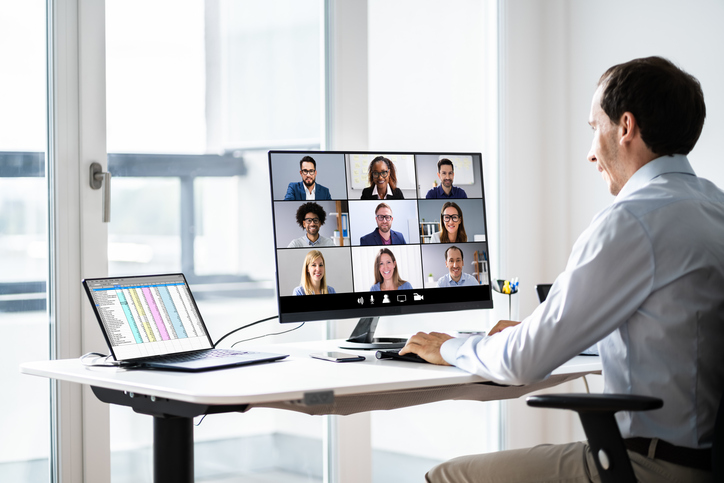
How to manage remote workers using services and software solutions without resorting to micromanagement or disrupting the entire business due to team isolation
Since the pandemic in 2020, remote work has gone from being the prerogative of freelancers to an acceptable way of working. Companies are increasingly practicing hybrid and remote work, and employees have appreciated the advantages of this format in terms of saving time and energy. Experts even talk about the benefits of remote work in terms of reducing carbon emissions.
Either way, the labor market is clearly moving toward remote work. But physical distance in the manager-employee paradigm brings its own challenges. We’ll tell you what tools can help solve the problems that come up.
Managing a remote team has become a crucial skill in today’s professional landscape, requiring effective communication, trust-building, and the smart use of digital tools. Just as organizations adapt to new work models, individuals are also seeking smarter ways to enjoy their downtime—so if you’re looking to unwind, find out where the best no deposit welcome bonus is and make the most of your break.
6 problems in managing a remote team
Despite its advantages, when working remotely, you can’t chat with colleagues at the water cooler, discuss plans and results with your boss, or resolve conflicts quickly. Here are the most tangible problems of remote work:
- Communication barriers and lack of feedback. When it is unclear what someone is thinking, what a colleague meant when they replied to a report with a curt “OK, accepted” or something similar.
- Mistrust between colleagues and detachment from the team. When messages in chat with a period and no emoji at the end are perceived as rude, and the colleague on the other side of the monitor immediately seems toxic.
- Lack of understanding of company plans and lack of transparency. The top management does something, makes decisions, but ordinary employees are not aware of it.
- Difficulties in interaction between team members. When you send a message and it goes nowhere, no one reads it or responds, and it is generally unclear who is responsible for what.
- Monitoring the effectiveness of employees and teams. When the boss feels that people are not working from home and are watching TV series, while employees have lost the line between work and personal life and are working 11 hours a day.
- Compliance with schedules and deadlines. When it is not possible to get employees to meet deadlines, and deadlines are consistently missed.
Of course, all problems can be overcome if processes are set up correctly and each employee understands their role. This can be achieved through endless meetings — but it is more effective to implement software solutions that allow you to track progress, distribute workload, and much more.
To track working time: Estimate planned and actual time
Inside the task card, there is a “Time estimate” field — you can use it to estimate the time it will take to complete a task before you start working on it.
Actual time is how long it actually took to complete the task. It can be measured using the timer that is available for each task. A timer that is running on one task will automatically stop if you start it on another task. The main thing is not to forget to turn off the last timer at the end of the working day!