
A low entry price can be a poor guide to the cost of customer-facing analytics. The bill may change when more customers use it, when they start building reports, or when the infrastructure needs more capacity. Engineering and support work can be just as consequential as the license.
Embeddable is our best overall pick for SaaS teams prioritizing custom analytics UX and predictable platform licensing. That recommendation rests on its component control and scope-based commercial model, not proof that it is the cheapest option. Teams with different requirements may get better value from capacity pricing, a familiar BI platform, or a more standardized reporting interface.
How to make the comparison fair
We reviewed official pricing and product documentation to identify commercial units and implementation responsibilities. Where public prices do not establish a complete embedded deployment cost, the comparison calls for a quote. We have not obtained equivalent vendor proposals or run a common load test, so the list is not a lowest-to-highest cost ranking.
This article was prepared as part of an Embeddable-focused content project. The recommendations are editorial judgments for the stated requirements.
Use one currency and one workload for every proposal. State the number of customer organizations, monthly active viewers, report authors, expected sessions, peak concurrent users, and data volume. Include the editing, branding, export, and AI features you actually intend to ship.
The commercial models at a glance
| Platform | Cost basis to establish | Additional line to check |
| Embeddable | Scope-based subscription | Deployment scope and development work |
| Amazon Quick Sight | Users or reader-session capacity | Authors, storage, reporting, and AI usage |
| Bold BI | Deployment and scale quote | Hosting and operational responsibility |
| GoodData | Workspace pricing or enterprise quote | Customer workspace growth |
| Holistics | Embedded quote with unlimited viewers | Worker capacity and source compute |
| Luzmo | Platform fee plus adoption-based usage | MAUs, AI conversations, and data capacity |
| Metabase | Paid embedding plan | Included users, hosting, and required features |
| Microsoft Power BI | Production embedded capacity | Authoring and capacity management |
| Omni | Embedded deployment quote | External access and warehouse workload |
| Zoho Analytics | Embedded or OEM quote | Users, data volume, and selected deployment |
1. Embeddable
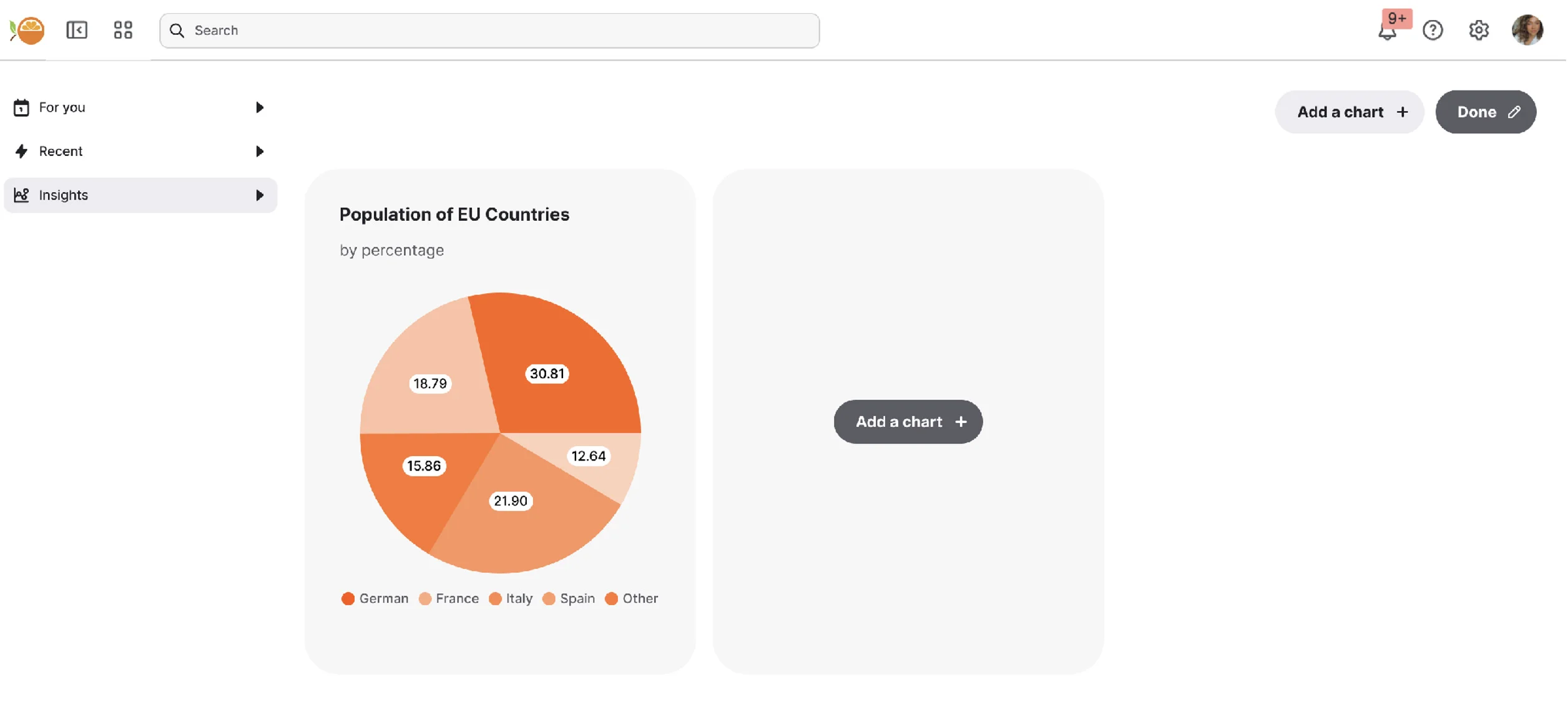
Best overall for custom UX with predictable platform licensing. Embeddable advertises a fixed subscription with pricing primarily based on project scope. Its pricing page says monthly active users, dashboard views, and query volume are not the primary pricing driver, while larger or more complex deployments may be scoped separately.
That model is relevant when customer adoption should not automatically create another seat charge. It does not make total cost fixed: your team still builds or adapts components, implements application permissions, and operates its source data infrastructure. Obtain a quote covering the intended environments, support, and deployment scope before comparing totals.
2. Amazon Quick Sight
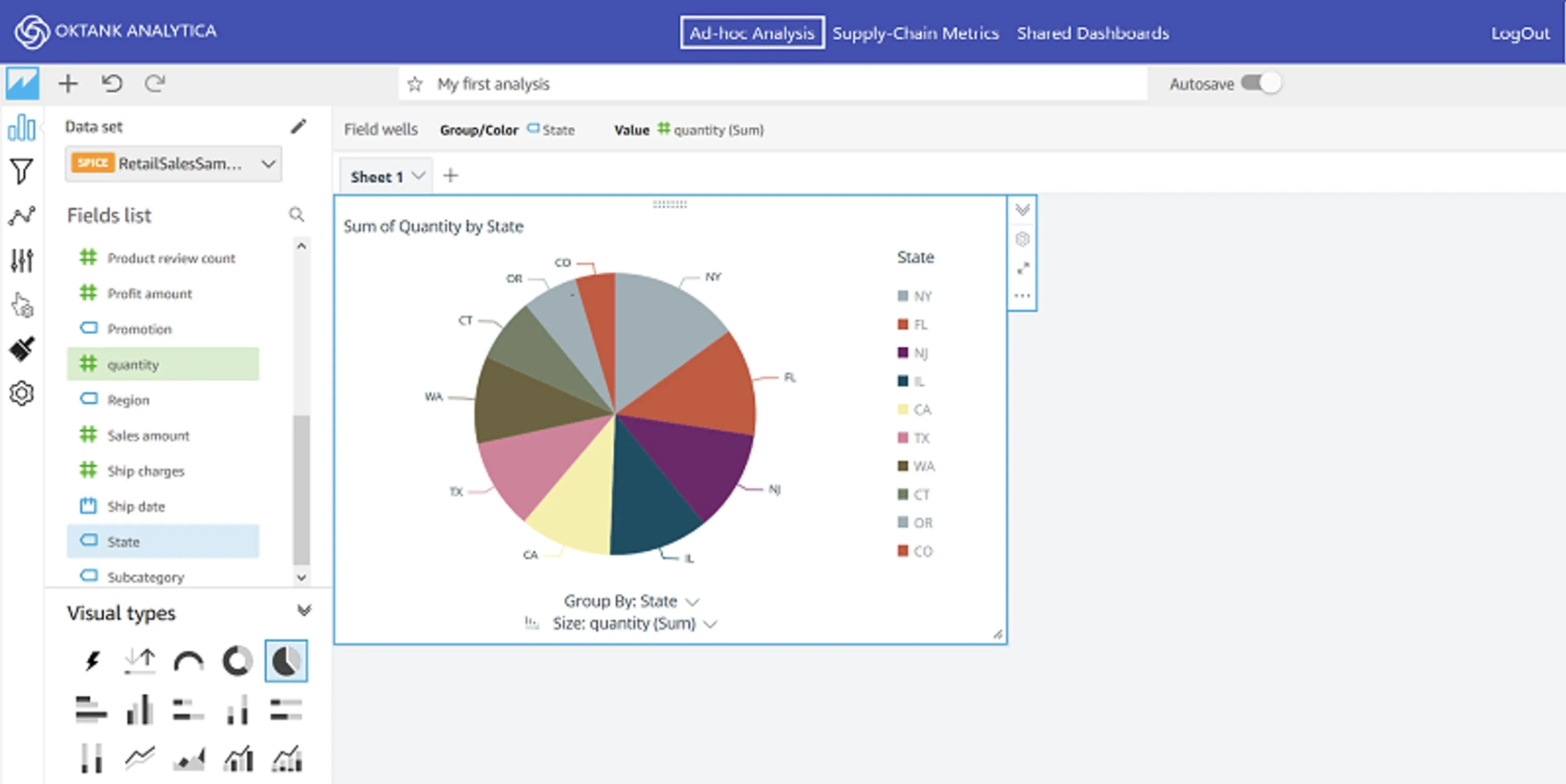
Best for evaluating a session-based embedded model. AWS publishes reader-capacity pricing alongside per-user options. The monthly capacity entry includes 500 reader sessions for $250, with additional sessions at $0.50; a session is a 30-minute period. This is a pricing component, not a complete deployment quote.
Author licenses, additional SPICE storage, pixel-perfect reporting, and AI-related charges can change the total. Annual capacity commitments also affect branding-removal eligibility. Model realistic repeat visits and session duration rather than equating one customer with one billable session. The AWS pricing page explains these separate units and conditions.
3. Bold BI
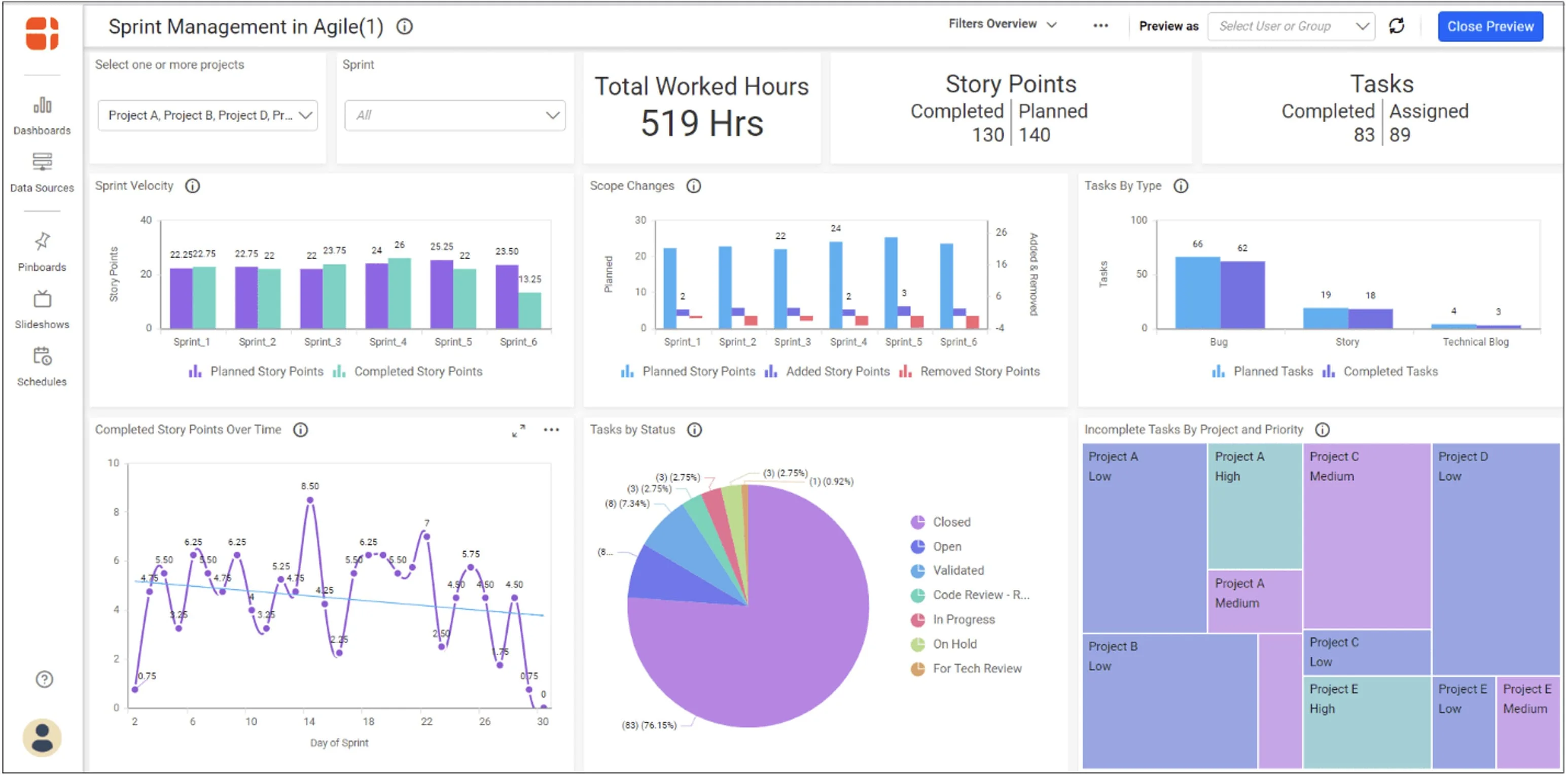
Best for comparing deployment-based licensing. Bold BI describes application-based pricing with cloud, managed private-cloud, and on-premises deployment options. Its pricing material says the model does not charge a separate fee for each named user or viewer, while quotes depend on deployment and scale requirements.
The operational choice is significant. Running the software yourself adds infrastructure, upgrades, monitoring, and staff time. A managed option shifts some of that work into the vendor relationship. Ask for the intended scale and hosting arrangement in writing, rather than interpreting unlimited viewers as unlimited infrastructure or an unchanged price under every future requirement.
4. GoodData
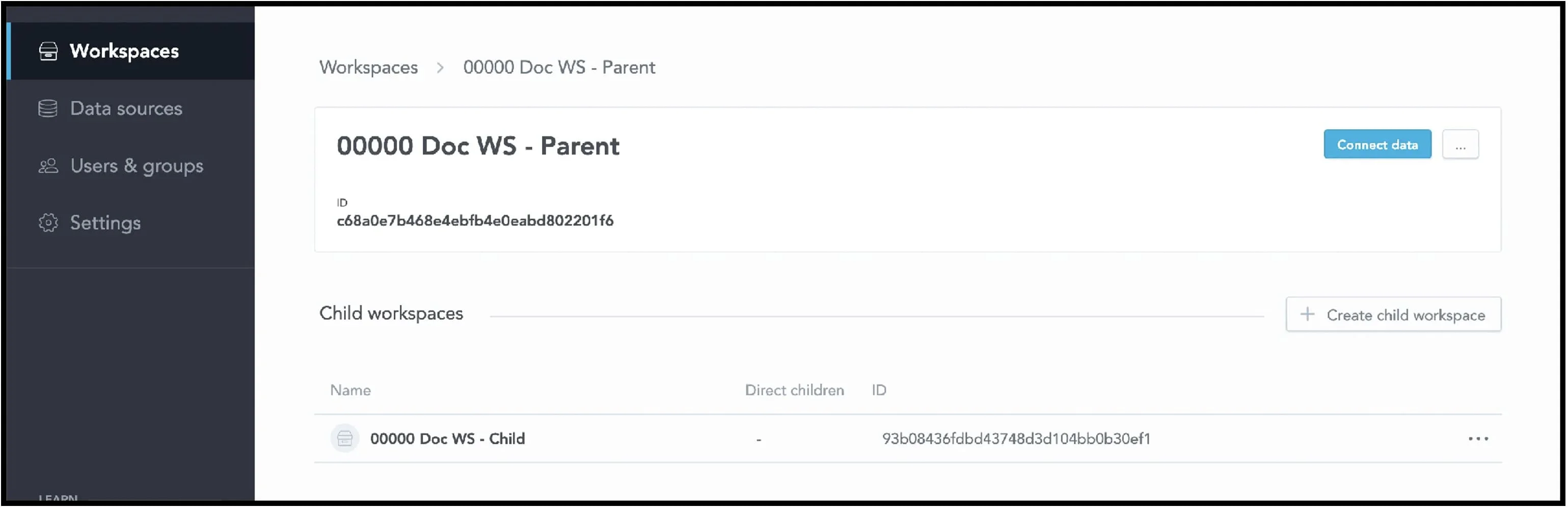
Best for budgeting around a workspace model. GoodData’s pricing page distinguishes professional per-workspace pricing from custom enterprise pricing. That makes the workspace design part of the commercial discussion, particularly when each customer receives a separate analytical environment.
Estimate how many workspaces you need at launch and after growth, including the administrative arrangement agreed with the vendor. Then ask what shared modeling, embedding, support, and deployment features the proposal includes. The value may lie in maintaining common definitions across customers, but that operational benefit should be assessed against the actual quote and the team’s modeling workload.
5. Holistics
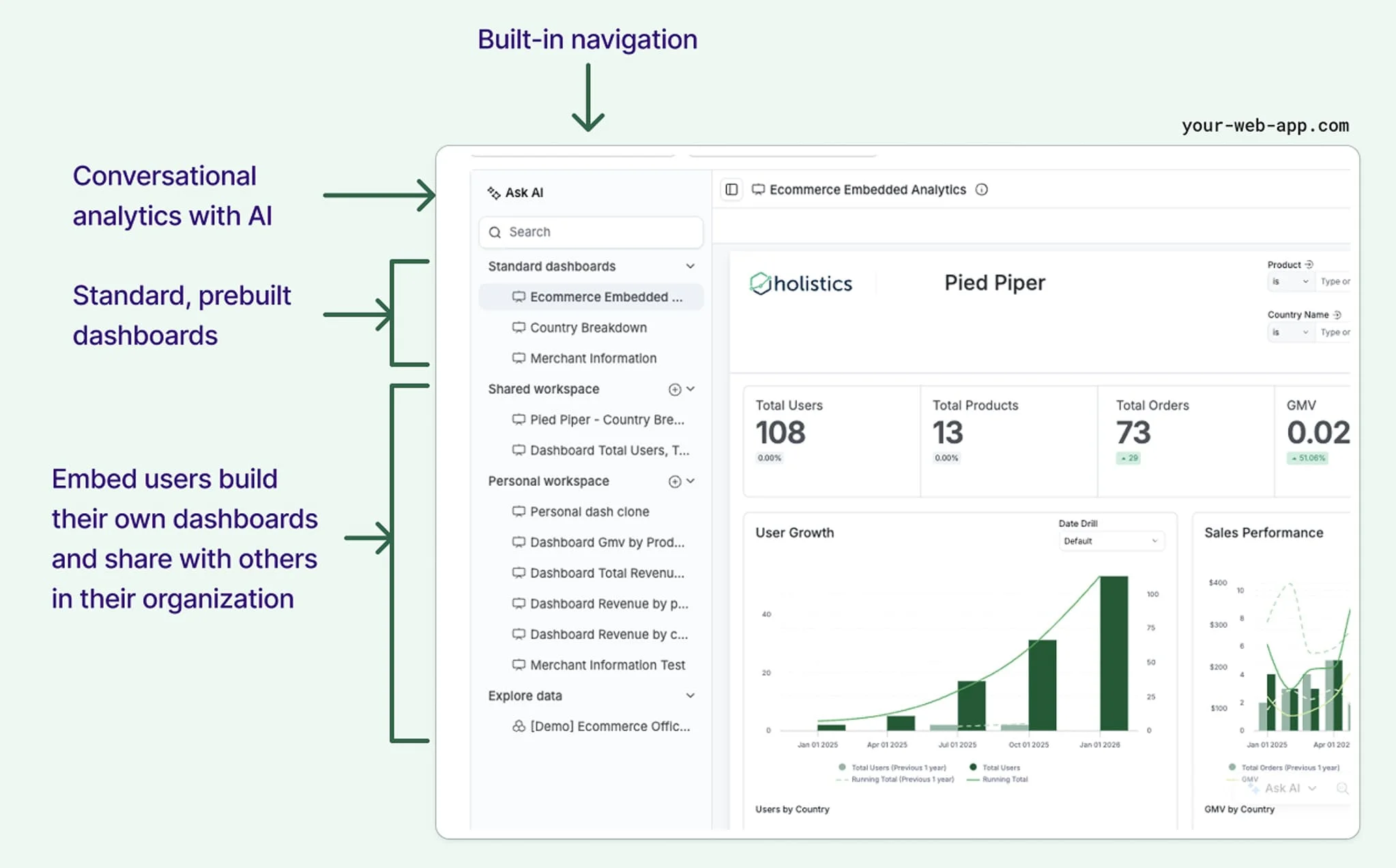
Best for separating viewer growth from processing capacity. Holistics states that embedded analytics supports unlimited dashboard viewers. Its documentation also describes Embed Workers, which run jobs generated by embedded dashboards and affect how much work can proceed concurrently.
Those statements answer different questions. Unlimited viewers does not establish how a particular workload will perform with a given worker allocation. Request the embedding configuration and capacity required for your peak traffic, then include source-database compute. Also distinguish single-dashboard embedding from the fuller Portal experience if customers need to create and share their own analytical content.
6. Luzmo
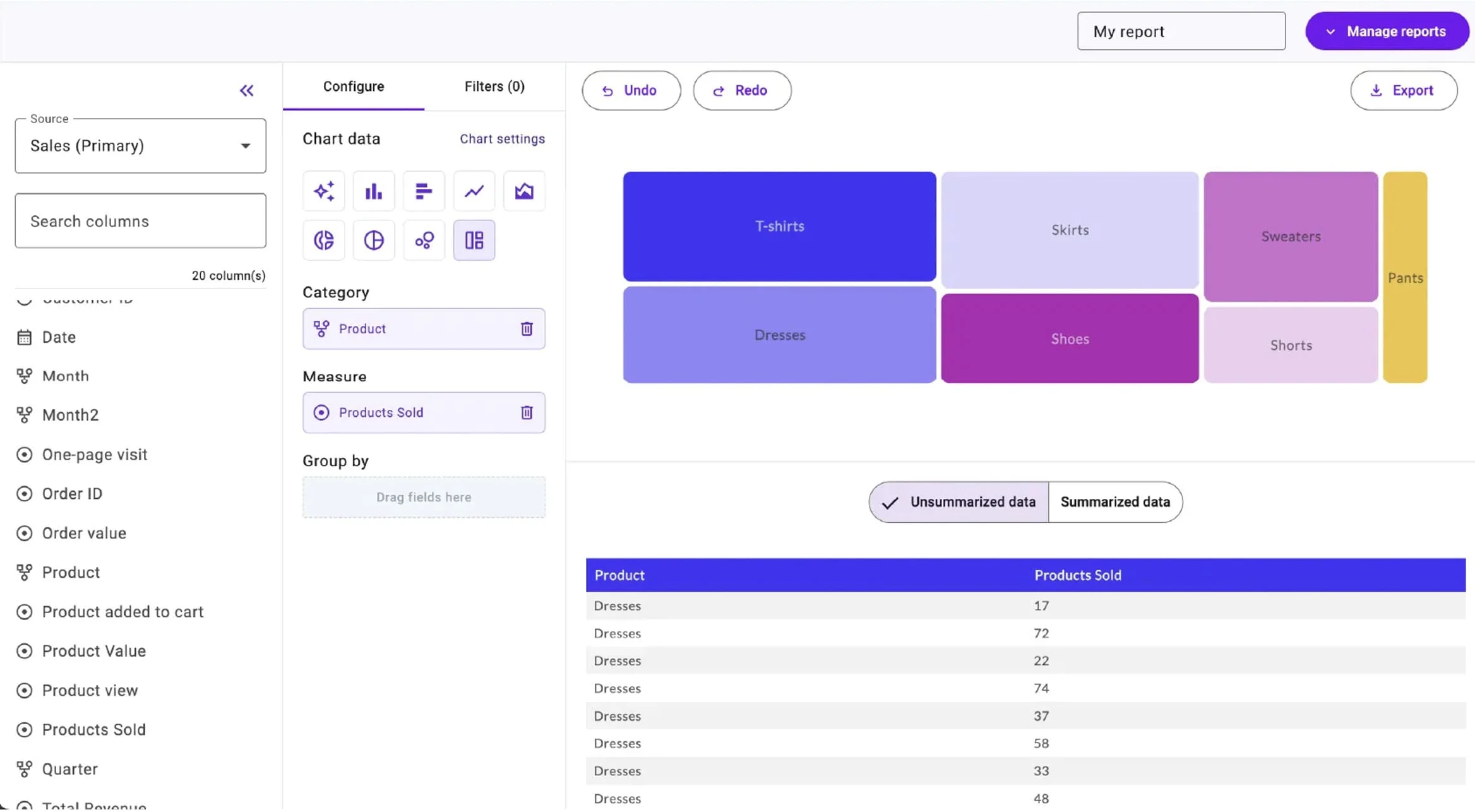
Best for modeling adoption-based usage explicitly. Luzmo’s Embedded Everywhere plan starts at €1,995 per month, billed annually, and combines a platform fee with usage based on monthly active users, AI conversations, or both. Its pricing description also distinguishes optional data-acceleration capacity.
The important comparison is the bill at your expected adoption level, not the displayed entry amount. Define how a monthly active user is counted and which conversations are included. Keep the quote in euros or apply a stated exchange-rate assumption consistently. An unused account, an active viewer, and a frequent AI user can have very different commercial implications.
7. Metabase
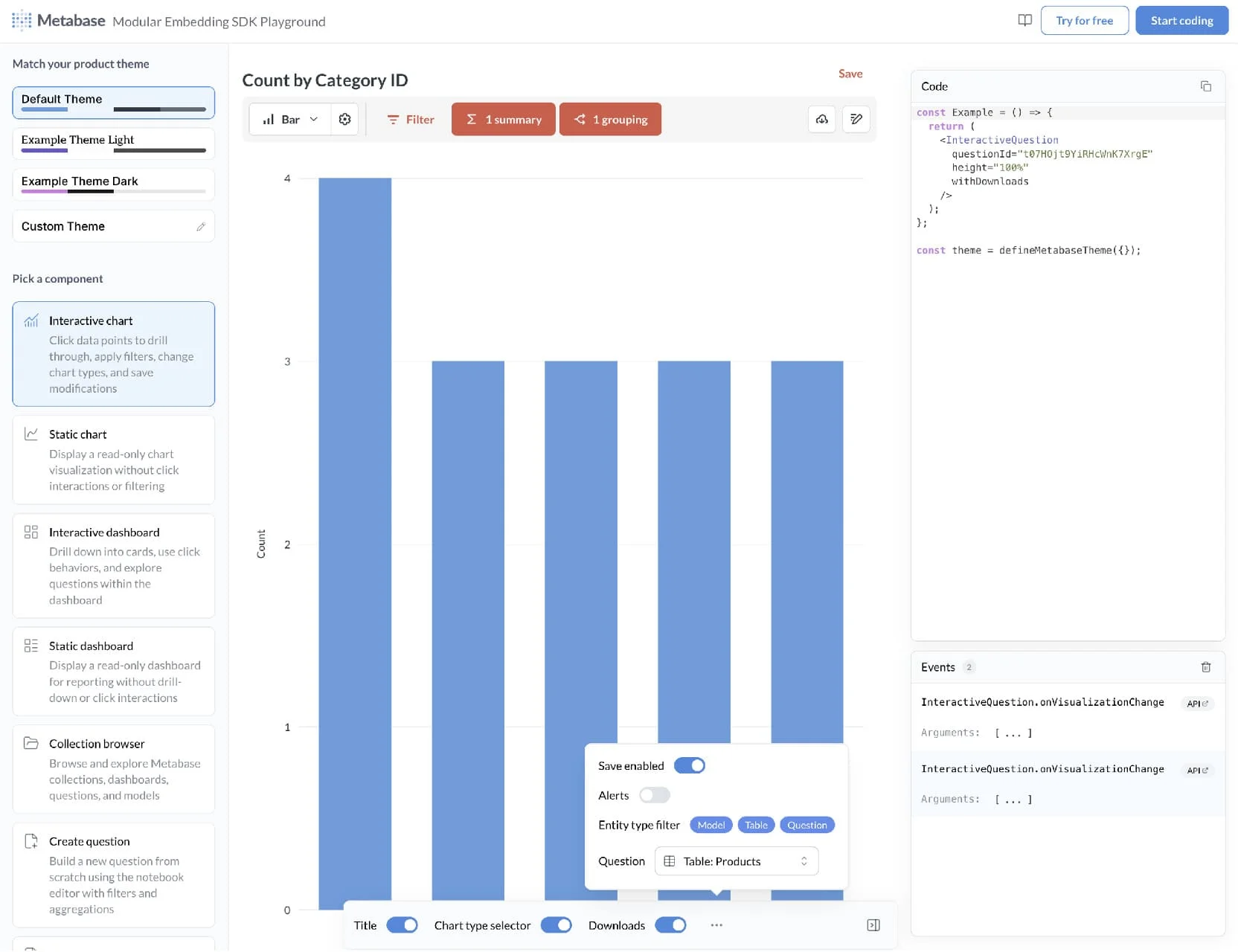
Best for comparing a paid embedded product with a self-hosted starting point. Metabase offers an open-source edition, but the authenticated modular React SDK and advanced permission features require paid plans. A free download therefore does not establish the cost of the customer experience described in your requirements.
Compare the relevant embedded plan, included users, additional-user terms, and hosting choice. Self-hosting adds application operations and upgrades; managed hosting has a different cost profile. If your intended product depends on customer authoring or branding removal, put those requirements in the quote rather than pricing a simpler read-only setup and adding them later.
8. Microsoft Power BI
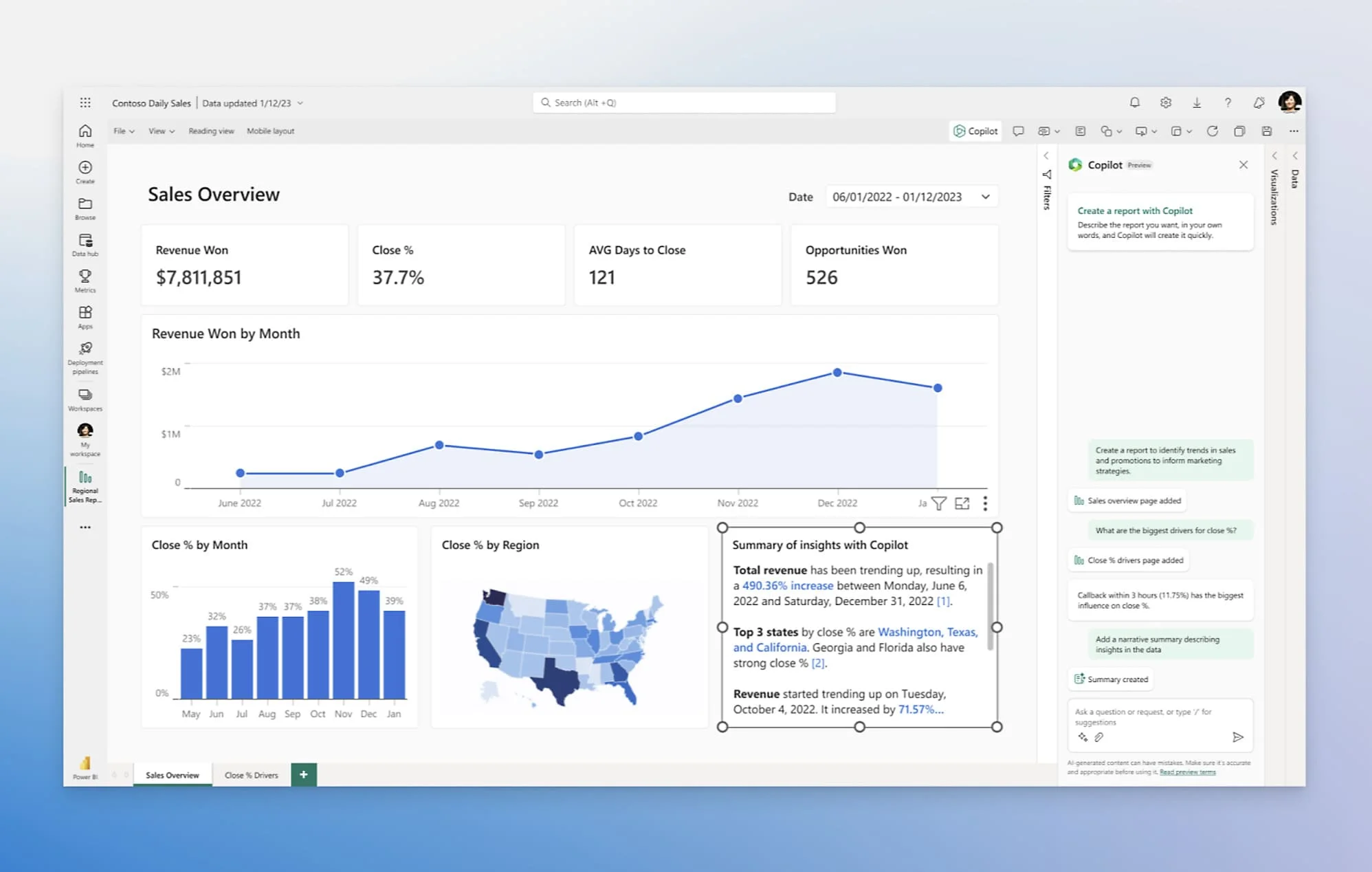
Best for teams that can reuse Microsoft expertise. Power BI’s app-owns-data embedding model can serve customers without requiring each viewer to hold a Power BI license. Production embedding requires capacity, and the authoring side has its own licensing requirements.
The cost question is therefore capacity sizing and operation, not simply viewer count multiplied by an internal BI seat price. Include development and release work, refresh behavior, monitoring, and traffic peaks. Existing Power BI models and experienced staff may reduce migration effort, but do not assume that existing internal licenses cover the intended external product deployment.
9. Omni
Best for teams assessing shared internal and customer analytics. Omni supports external dashboards and workbooks on its analytics platform. For a team already using Omni internally, the potential benefit is reuse of modeling work and staff knowledge.
Obtain an embedded proposal for the actual customer experience. A public product description does not establish the complete commercial terms. Ask how external users, authoring, branding, support, and workload growth are covered. Include the warehouse queries generated by customer exploration, especially if adding self-service will substantially increase activity beyond the internal BI workload.
10. Zoho Analytics
Best for comparing a bundled reporting or OEM offering. Zoho provides separate descriptions for embedded analytics, client portals, inline charts, and fully rebranded OEM deployments. Its pricing guidance directs embedded and white-label requirements to a tailored quote.
Avoid applying the ordinary small-team BI entry price to an entire customer-facing product. Specify the access model, number of users, data volume, refresh needs, and hosting arrangement. If the proposal replaces other reporting tools or manual services, record those savings separately and substantiate them. Do not subtract a hypothetical efficiency gain simply to make the preferred vendor look cheaper.
Build a usable first-year cost estimate
The accompanying cost worksheet separates annual recurring expense from one-time implementation. Enter a confirmed zero where a cost does not apply; leave an unknown blank. Totals remain unavailable until the required inputs are complete.
Annual recurring expense includes the platform commitment, expected usage or overages, authors and add-ons, incremental hosting and source compute, support, and maintenance labor. First-year cost adds implementation labor and one-time migration or setup charges. Keep the categories mutually exclusive so an included author license or managed infrastructure charge is not counted twice.
Run the same worksheet for launch, expected adoption, and a busy-period scenario. Change the workload and obtain the corresponding capacity or usage estimate; the worksheet cannot infer a vendor’s price from customer count alone. Record the quote’s currency, billing term, source, and relevant limits next to the inputs.
Finally, compare the work you are buying with the work your team will retain. Embeddable’s component model is attractive when custom UX is valuable enough to justify maintaining that layer. A more standardized interface may cost less to implement when it already meets the need. The strongest value decision combines an acceptable customer experience with a complete, testable cost model.